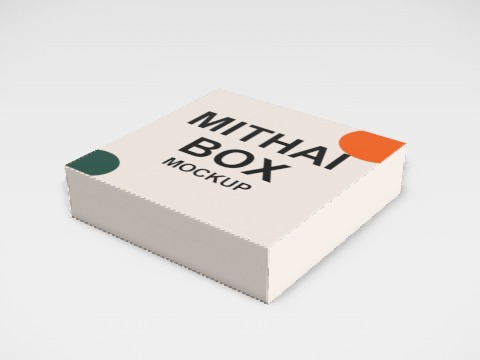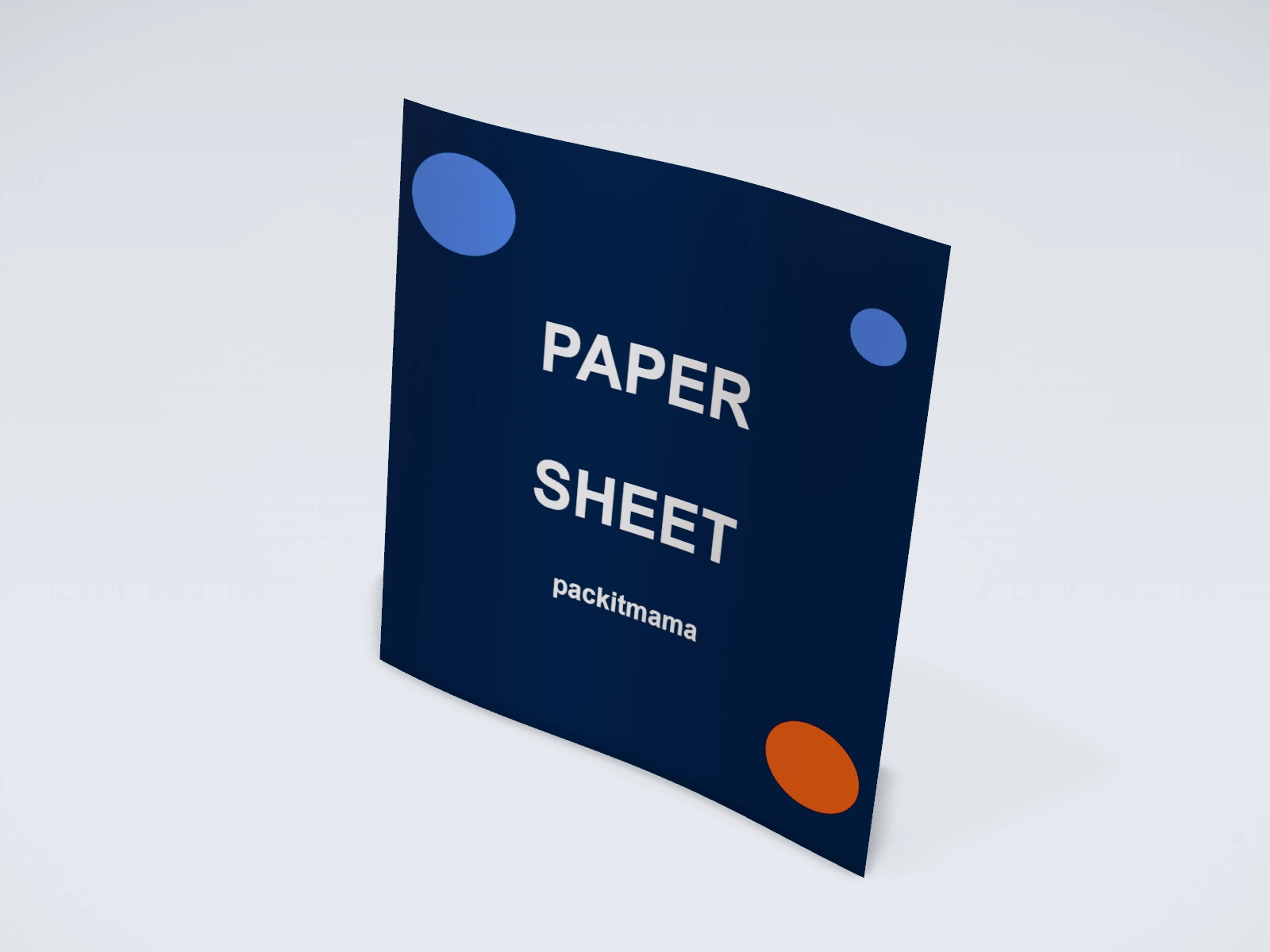
Butter paper sheet mockup and print template
A butter paper at 300 x 300 mm in greaseproof (butter) paper. Change any size, put your artwork on it, see it in 3D and download a print-ready label. Free, in your browser, no account needed.
What you get
- Structure
- Butter paper
- Starting size
- Width 300 mm, Height 300 mm. Every size can be changed.
- Material
- Greaseproof (butter) paper
- Downloads
- PDF and SVG print template, PNG and JPG mockup images, turntable video, GLB 3D model
- Good for
- greaseproof paper, wax paper, food wrap
- Accuracy
- An approximation of the industry structure: good for concepts and quotes. Have your printer check flaps, glue areas and allowances before production.
Parts of a butter paper
Butter paper (greaseproof paper) wraps burgers, sandwiches, rolls and baked goods, and lines trays and boxes. Printed with a logo or a repeat pattern, it turns a plain wrap into part of the brand, and it is often the first thing a customer touches. The studio shows a loose printed sheet in square and burger-wrap sizes, in greaseproof, kraft or uncoated paper, printed on one or both sides.
- Printed face
- The side with your design. Most wraps are printed on one side only.
- Reverse
- The other side. Leave it plain unless your printer prints both sides.
- Repeat pattern
- A logo or pattern that tiles across the sheet, so it looks right however the sheet is folded round the food.
- Edges
- Sheets are cut square. There is no fold or glue area.
How to size it
- Wrap the actual product in plain paper first and measure the sheet that covers it with a comfortable overlap.
- Pick the closest size in the studio, or type your own width and height.
- Design a repeat that still reads when the sheet is crumpled or folded: a small logo or a pattern rather than one big central image.
- Ask your printer how many colours they print on greaseproof paper; simple one or two colour designs are common.
| For | Size (L x W x H) |
|---|---|
| Sandwich or roll wrap | 250 x 250 mm or 300 x 300 mm (starting points) |
| Burger wrap | about 380 x 275 mm (a starting point) |
| Tray or basket liner | cut to the tray, with a few millimetres to spare |
Materials and finishes
- Greaseproof paper
- Holds back grease and moisture. The usual choice for burgers, fries and pastries.
- Kraft paper
- A natural brown look for bakeries and dry foods. Check how well it resists grease for oily food.
- Uncoated paper
- Dry items such as bread and biscuits, or as an outer wrap over a greaseproof layer.
Mistakes to avoid
- Using ordinary inks for a wrap that touches food: ask your printer for inks and papers made for food contact, and check the food safety rules where you sell.
- Fine detail and thin text: ink spreads a little on thin paper, so small type fills in.
- One big centred logo: once the sheet is folded round the food, only a corner of it shows.
- A sheet that is too small: the food shows at the edges and the wrap does not stay closed.
How to make it in the studio
- Open it. Press Customise this butter paper sheet. It opens in the 3D studio at 300 x 300 mm.
- Set the size. In the Size panel, pick a preset or type your own measurements.
- Add your design. In the Design panel, upload your logo or artwork: it goes on the front first. Pick other faces to add colours, text or images to each.
- Check it in 3D. Turn the pack around. Switch to the flat print view to see the artwork on the label.
- Download. The Download panel gives you the print template first, then mockup images for your store or social posts.
- Get it made. If you want a quote, send the design to packitmama from the Download panel, and we will reply personally.
Questions
Is the mockup see-through like real butter paper?
No. Real greaseproof paper is slightly translucent; the studio shows it opaque, so use the mockup for placement and colour, not for how much shows through.
Can I print on both sides?
Yes, the studio has a front and a back face. Many printers print one side only, so check before you design the back.