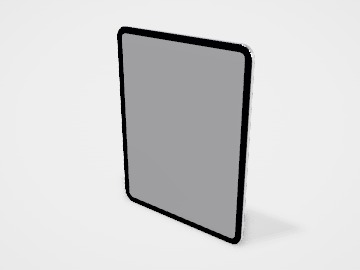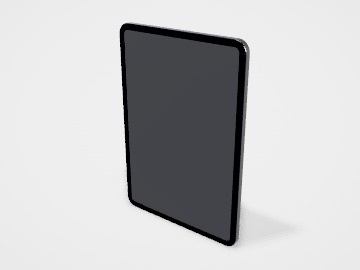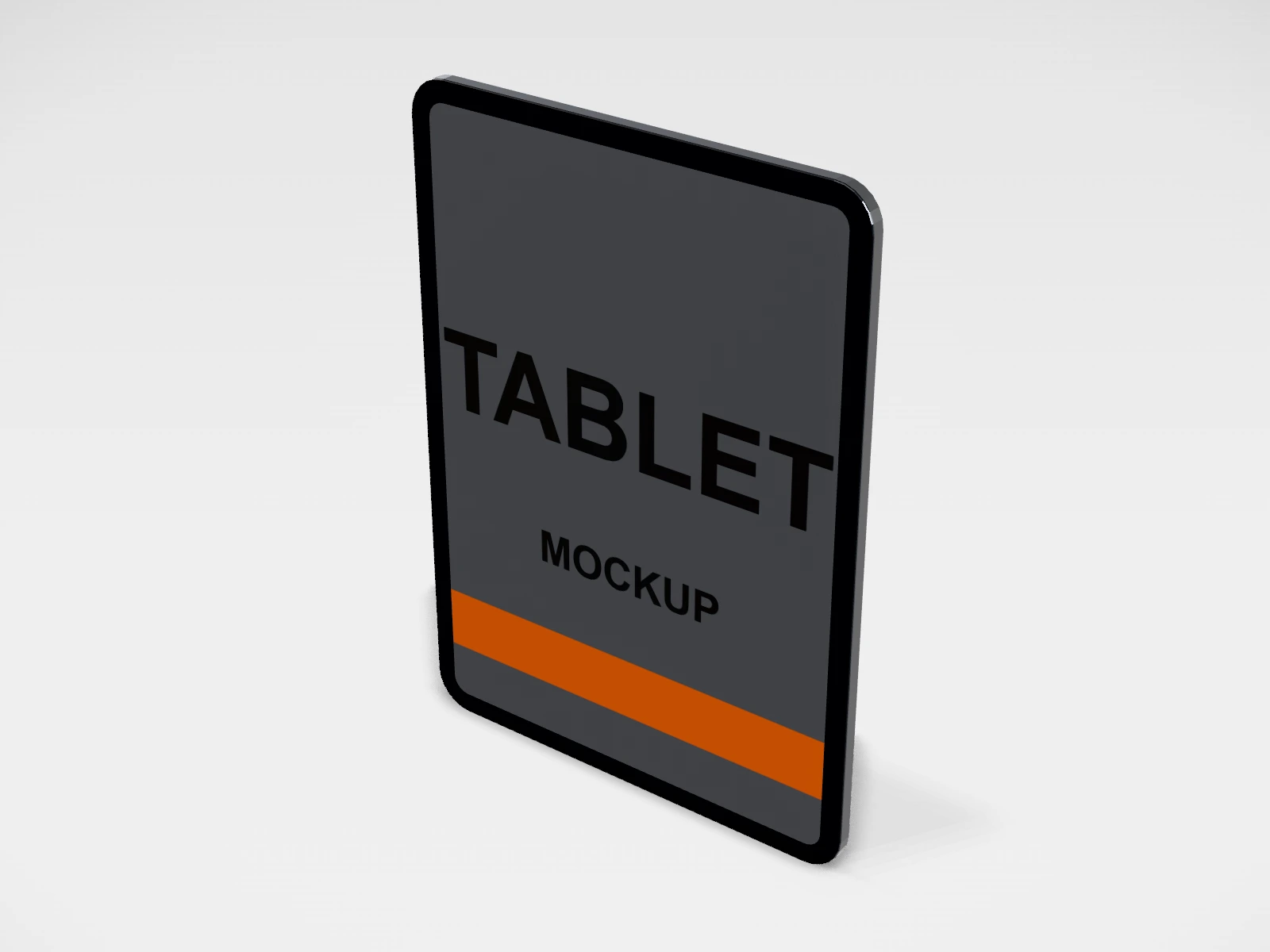
Tablet 11 in screen mockup
A tablet mockup at 178.5 x 247.6 x 6.1 mm. Put your app, website or slide on the screen, turn it in 3D and download mockup images. Free, in your browser, no account needed.
What you get
- Structure
- Tablet
- Starting size
- Width 178.5 mm, Height 247.6 mm, Thickness 6.1 mm. Every size can be changed.
- Material
- Space grey aluminium
- Downloads
- PDF and SVG print template, PNG and JPG mockup images, turntable video, GLB 3D model
- Good for
- ipad, app screen
- Accuracy
- An approximation of the industry structure: good for concepts and quotes. Have your printer check flaps, glue areas and allowances before production.
Parts of a tablet
A tablet mockup shows a web app, dashboard, catalogue or digital menu on a larger screen than a phone. The studio model is a generic tablet in 11 in, 13 in and mini sizes, with your image on the screen and an optional design on the back. Like the phone and laptop, it is a presentation mockup for decks, websites and posts: it shows a still image of a screen, and it is not any one brand's device.
- Screen
- The front print area, shown lit. Your screenshot or design is clipped to its rounded corners.
- Bezel
- The border around the screen, wider than on a phone. It is part of the model.
- Back
- The second print area, for a cover, sleeve or skin idea, or a branded back.
- Frame
- The edge of the tablet, in the finish you pick.
How to size it
- Pick the model: mini 8.3 in, 11 in or 13 in.
- Tablet screens are wider than phones, closer to 3 by 4 in portrait. Take the screenshot on a tablet, or crop your image to the screen shape shown in the Design panel.
- A screenshot from a recent 11 in tablet (around 1600 x 2300 px) is more than enough for a sharp mockup.
- Upload to the front face; add a back design if you are showing a cover or skin.
- Export a PNG or JPG mockup.
| For | Size (L x W x H) |
|---|---|
| Mini tablet | 134.8 x 195.4 mm body (about 8.3 in screen) |
| 11 in tablet | 178.5 x 247.6 mm body |
| 13 in tablet | 215.5 x 281.6 mm body |
Materials and finishes
- Space grey or black
- Frames colourful screens and works on most backgrounds.
- Silver or white
- A lighter, softer look on pale backgrounds.
Mistakes to avoid
- Putting a phone screenshot on a tablet: the shape is wrong and it looks stretched or boxed in.
- Shrinking a desktop website into the tablet screen: text becomes unreadable. Show the tablet layout of your site.
- Saving the mockup as a small JPG for print use: export at the largest size you need, as PNG for print.
How to make it in the studio
- Open it. Press Customise this tablet 11 in. It opens in the 3D studio at 178.5 x 247.6 x 6.1 mm.
- Set the size. In the Size panel, pick a preset or type your own measurements.
- Add your design. In the Design panel, upload your logo or artwork: it goes on the front first. Pick other faces to add colours, text or images to each.
- Check it in 3D. Turn the pack around. Switch to the flat print view to see the artwork on the screen.
- Download. The Download panel gives you the print template first, then mockup images for your store or social posts.
- Get it made. If you want a quote, send the design to packitmama from the Download panel, and we will reply personally.
Questions
Landscape or portrait?
The model shows the tablet upright. For a landscape screen, rotate your design to fit and turn the view in 3D.
Is this an iPad?
No. It is a generic tablet in common sizes, so it suits any product without showing another brand.