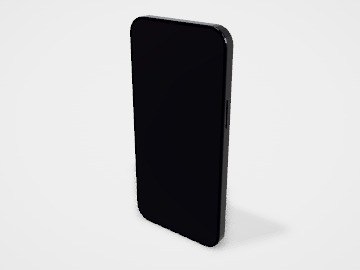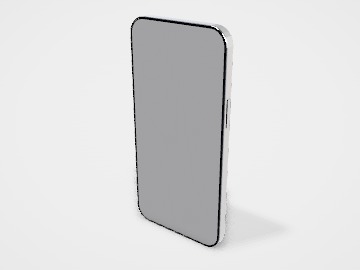
Compact smartphone screen mockup
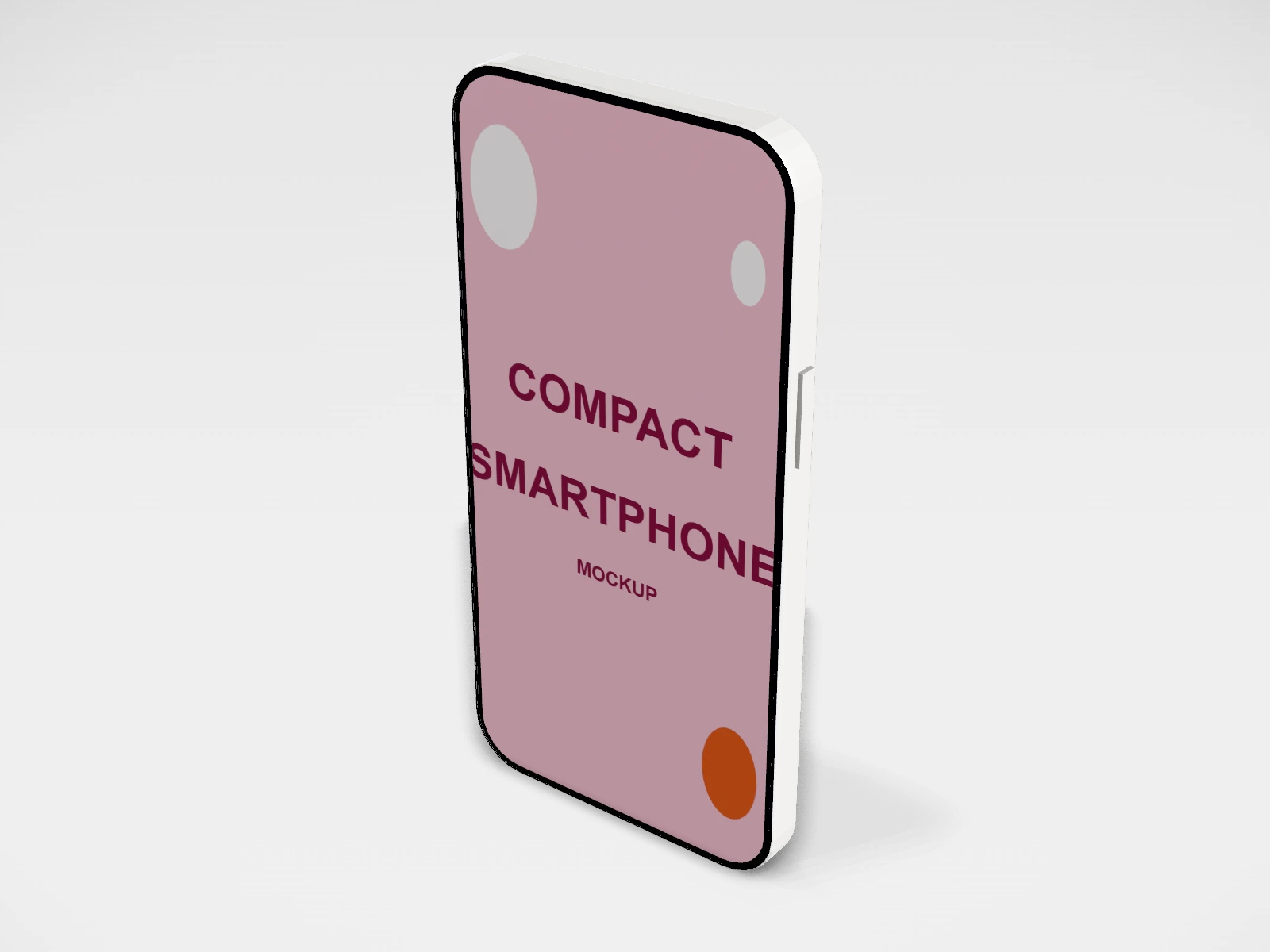
A phone mockup at 64.2 x 131.5 x 7.4 mm. Put your app, website or slide on the screen, turn it in 3D and download mockup images. Free, in your browser, no account needed.
What you get
- Structure
- Phone
- Starting size
- Width 64.2 mm, Height 131.5 mm, Thickness 7.4 mm. Every size can be changed.
- Material
- White glass
- Downloads
- PDF and SVG print template, PNG and JPG mockup images, turntable video, GLB 3D model
- Good for
- mobile
- Accuracy
- An approximation of the industry structure: good for concepts and quotes. Have your printer check flaps, glue areas and allowances before production.
Parts of a phone
A phone mockup puts your app, website or social post on a realistic handset, for a store listing, a pitch deck or a launch post. The studio model is a generic smartphone in three sizes and four finishes, with your image on the screen and, if you like, a design on the back for a case or skin idea. It is a presentation mockup: it shows a screen, it does not run your app or match any one brand of phone.
- Screen
- The front print area, shown lit as if the phone were on. Your screenshot or design goes here, clipped to the rounded corners.
- Bezel
- The thin dark border around the screen. It is part of the model and is not printed.
- Back
- The second print area. Use it to show a phone case, a skin or simply a branded back.
- Frame
- The edge of the phone, coloured by the finish you pick.
How to size it
- Pick the model: compact 5.4 in, standard 6.1 in or large 6.7 in. The Design panel shows the print area for the screen.
- Take the screenshot on a phone with a similar tall shape, about 9 by 19.5. Recent phones save screenshots at around 1080 to 1290 px wide, which is plenty.
- If your image is a different shape, crop it to the screen shape first, or it will be stretched or cut.
- Upload it to the front face. For a case or skin, upload a second design to the back.
- Export the mockup as PNG or JPG. A PNG keeps a transparent background for layouts.
| For | Size (L x W x H) |
|---|---|
| Compact phone | 64.2 x 131.5 mm body (about 5.4 in screen) |
| Standard phone | 71.5 x 147.6 mm body (about 6.1 in screen) |
| Large phone | 77.6 x 160.8 mm body (about 6.7 in screen) |
Materials and finishes
- Black or space grey
- Lets bright app screens stand out; the safe default for most presentations.
- Silver or white
- A lighter look on light backgrounds, or to match a clean, airy brand style.
Mistakes to avoid
- Using a low-resolution or compressed screenshot: text on the screen looks blurry once the mockup is enlarged.
- Stretching a screenshot from a different screen shape: buttons and text look squashed. Crop first.
- Showing screens that do not exist in the product yet without saying so: label concept screens as concepts.
- Adding another company's logo or branded device look: the model is generic on purpose, and store listings have their own rules about device frames.
How to make it in the studio
- Open it. Press Customise this compact smartphone. It opens in the 3D studio at 64.2 x 131.5 x 7.4 mm.
- Set the size. In the Size panel, pick a preset or type your own measurements.
- Add your design. In the Design panel, upload your logo or artwork: it goes on the front first. Pick other faces to add colours, text or images to each.
- Check it in 3D. Turn the pack around. Switch to the flat print view to see the artwork on the screen.
- Download. The Download panel gives you the print template first, then mockup images for your store or social posts.
- Get it made. If you want a quote, send the design to packitmama from the Download panel, and we will reply personally.
Questions
Is this a real phone model?
No. It is a generic smartphone shape in common sizes, so it works for any app or brand without showing someone else's product.
Can I use it for app store screenshots?
You can use the image in your own layouts. App stores set their own screenshot sizes and rules, so check those before you upload.
Can I design a phone case with it?
You can preview a design on the back. For a printed case, ask the case maker for their template, as cutouts differ by phone model.