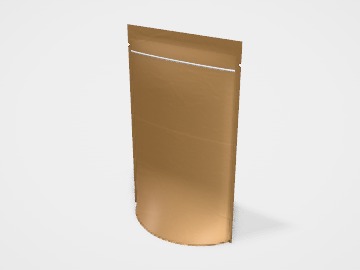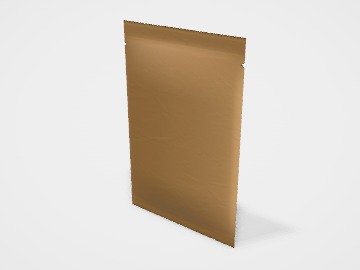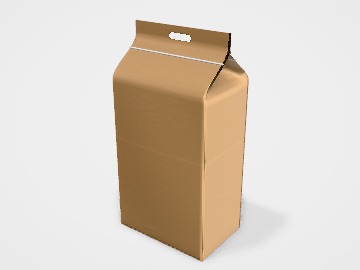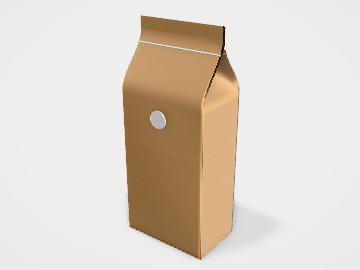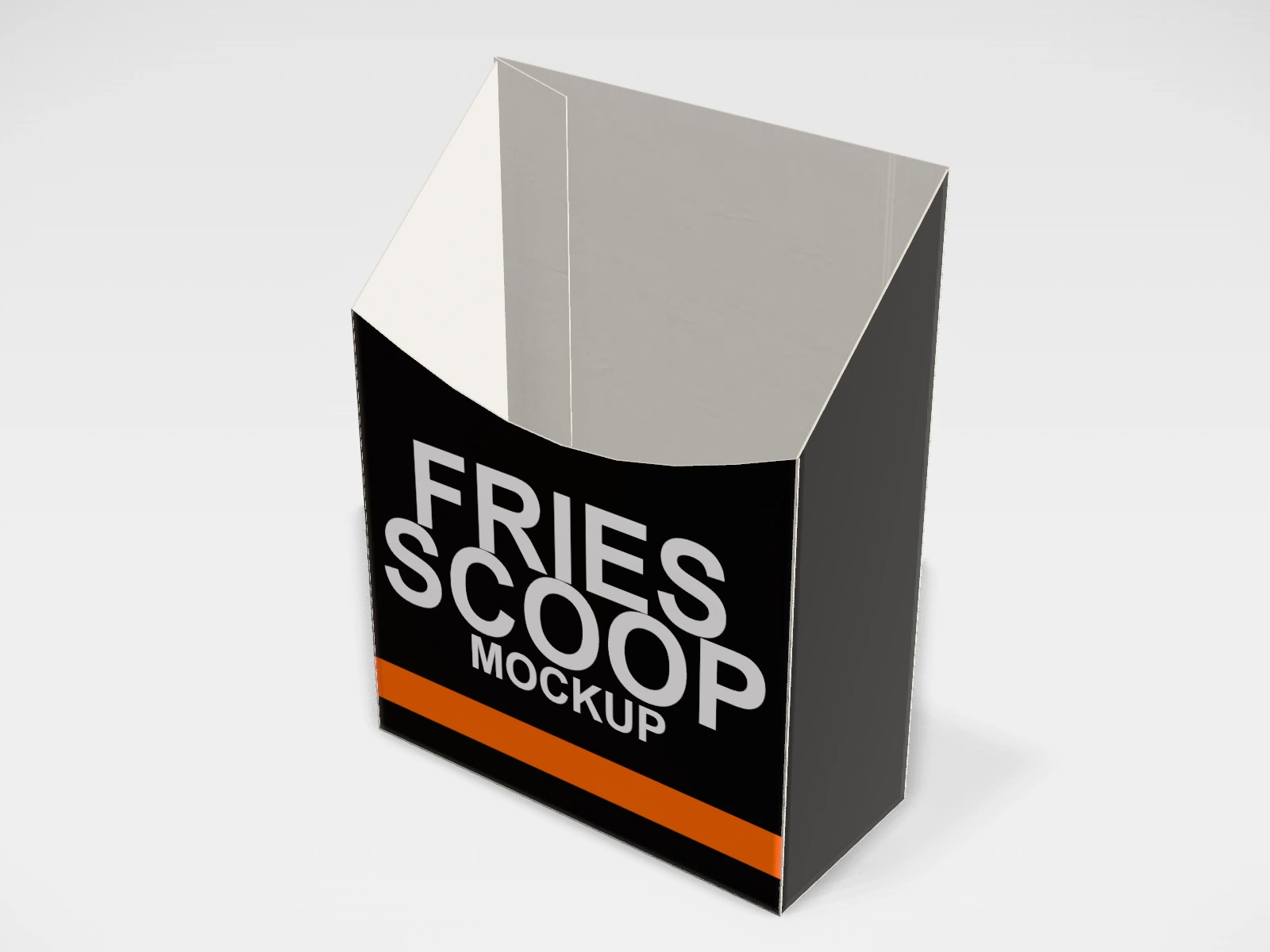
Fries scoop mockup and dieline
A fries scoop at 90 x 40 x 120 mm in white paperboard. Change any size, put your artwork on it, see it in 3D and download a print-ready dieline. Free, in your browser, no account needed.
The flat dieline
What you get
- Structure
- Fries scoop
- Starting size
- Length 90 mm, Width 40 mm, Height 120 mm. Every size can be changed.
- Material
- White paperboard
- Downloads
- PDF, SVG and DXF dieline, PNG and JPG mockup images, fold and turntable videos, GLB 3D model
- Good for
- chips, popcorn, snack
- Accuracy
- An approximation of the industry structure: good for concepts and quotes. Have your printer check flaps, glue areas and allowances before production.
Parts of a fries scoop
A fries scoop is an open-top carton with a low, curved front and a taller back. The front dips so the fries are easy to see and reach, and the back stands up to carry the logo. It is quick to fill with a scoop and needs no closing, which is why it is used for fries, popcorn, chips and fried snacks eaten on the spot.
- Back panel
- The taller panel. It carries the main artwork, since it faces the customer when held.
- Front panel
- The lower panel with the curved cut. Keep text away from the curve.
- Side panels
- Narrow walls between front and back; they set the depth of the scoop.
- Bottom
- The floor that locks the shape. Usually glued or locked at the factory.
- Glue flap
- Joins the panels into a tube before the bottom is closed.
How to size it
- Decide the portion first: fill a sample cup or carton with the portion and measure it.
- Set the width (L) so the scoop fits easily in a hand and the depth (W) so it stands on a tray.
- Set the height so the fries stand slightly above the front dip; they look fuller that way.
- Download the dieline and check the front curve against the artwork before printing.
Materials and finishes
- Food-grade white paperboard, coated
- Most fries scoops. Prints bright and holds back grease for the time it takes to eat.
- Food-grade kraft paperboard, coated
- A natural, street-food look.
Mistakes to avoid
- Text that runs into the curved front cut. Keep at least 5 mm clear of every cut edge.
- Uncoated board: hot fried food leaves oil marks on the outside print.
- A scoop so deep that the portion looks small. Size the scoop to the portion you actually serve.
How to make it in the studio
- Open it. Press Customise this fries scoop. It opens in the 3D studio at 90 x 40 x 120 mm.
- Set the size. In the Size panel, choose whether you are entering the Inside or Outside size, then type your measurements. The other one is shown underneath.
- Add your design. In the Design panel, upload your logo or artwork: it goes on the front first. Pick other faces to add colours, text or images to each.
- Check it in 3D. Turn the pack around, and use the Flat to Closed slider to watch it fold. Switch to the Dieline view to see the artwork on the dieline.
- Download. The Download panel gives you the PDF dieline to send your printer first, then mockup images for your store or social posts.
- Get it made. If you want a quote, send the design to packitmama from the Download panel, and we will reply personally.
Questions
Do fries scoops need a lid?
Usually not; they are for eating on the spot. For delivery, a burger box or a tray with a lid keeps fries warmer.
Why do real scoops flare at the top?
A flared shape nests for storage and looks fuller. The studio draws straight walls.