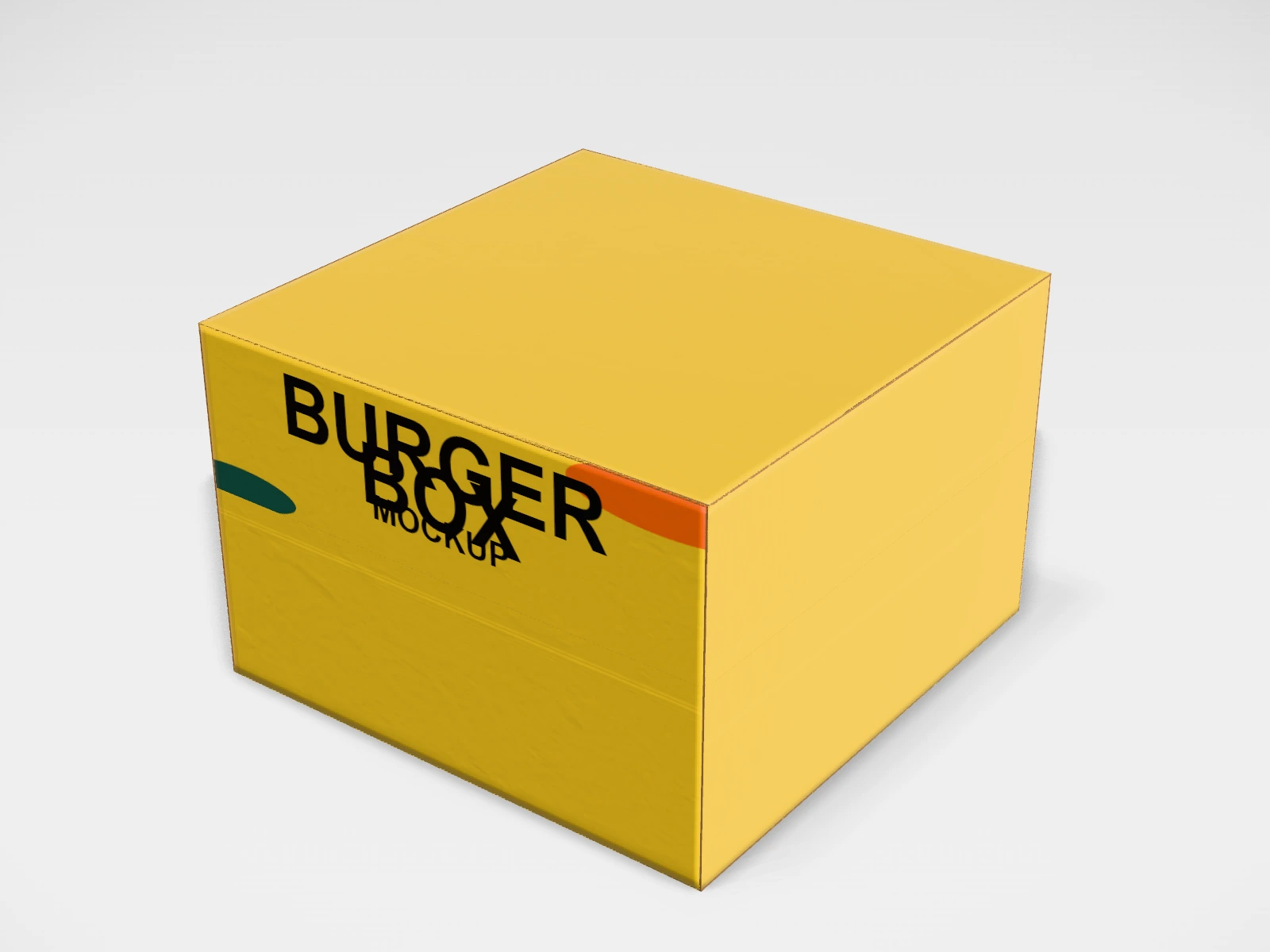
Burger box (clamshell) mockup and dieline
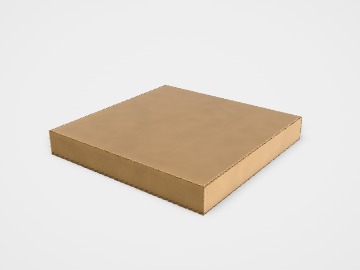
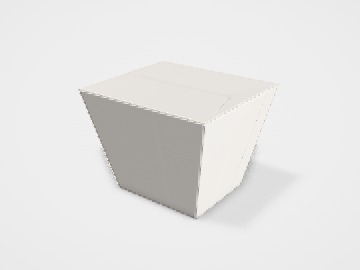
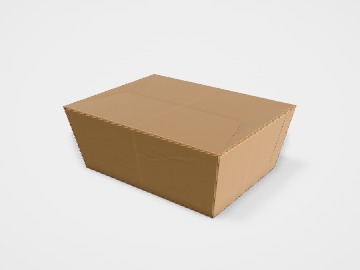
A burger box (clamshell) at 120 x 120 x 80 mm in kraft paperboard. Change any size, put your artwork on it, see it in 3D and download a print-ready dieline. Free, in your browser, no account needed.
The flat dieline
What you get
- Structure
- Burger box (clamshell)
- Starting size
- Length 120 mm, Width 120 mm, Height 80 mm. Every size can be changed.
- Material
- Kraft paperboard
- Downloads
- PDF, SVG and DXF dieline, PNG and JPG mockup images, fold and turntable videos, GLB 3D model
- Good for
- hamburger, clamshell, sandwich
- Accuracy
- An approximation of the industry structure: good for concepts and quotes. Have your printer check flaps, glue areas and allowances before production.
Parts of a burger box (clamshell)
A burger box is a one-piece clamshell: a tray for the burger and a lid hinged on the back wall that folds over and closes. It keeps the burger warm, stops it being squashed in a delivery bag, and opens into a plate the customer can eat from. The same shape works for sandwiches, wraps, momos and small meals.
- Tray
- The floor and the lower walls that hold the food. Its inside size is what you design to.
- Lid
- The upper half that hinges on the back wall and closes over the tray. The main print area.
- Hinge
- The crease along the back where the lid folds. Avoid fine text across it.
- Front wall
- Where the lid meets the tray when closed. Many burger boxes add a lock tab here.
- Glue corners
- Small flaps that hold the corners of the tray and lid together. They are glued at the factory.
How to size it
- Measure your largest burger or meal, including its wrap or paper, at the widest point and at its full height.
- Add 5 to 10 mm on length and width so it goes in and comes out without catching.
- Set the height so the lid closes over the bun without pressing it down. The studio splits the height between tray and lid.
- Check the closed box in the 3D view and on the Flat to Closed slider before downloading the dieline.
| For | Size (L x W x H) |
|---|---|
| Slider or small burger | 90 x 90 x 70 mm |
| Regular burger | 110 x 110 x 80 mm |
| Large or double burger | 130 x 130 x 90 mm |
Materials and finishes
- Food-grade kraft paperboard, PE or water-based coated
- The usual takeaway box. The coating holds back grease and steam for the length of a delivery.
- Food-grade white paperboard, coated
- Brighter, sharper print for brand colours and photos.
Finishes
- Simple one or two colour print
- A logo on the lid is enough for most outlets and keeps setup simple.
Mistakes to avoid
- Uncoated board for hot, oily food: grease shows through within minutes and the box softens.
- A lid that presses on the bun: the burger arrives flattened. Measure the tallest burger, not the average.
- Artwork across the hinge and corner folds, where it cracks and misaligns. Keep important parts on the flat lid.
- Printing on surfaces that touch the food. Keep the inside plain unless your printer confirms food-safe inks.
How to make it in the studio
- Open it. Press Customise this burger box (clamshell). It opens in the 3D studio at 120 x 120 x 80 mm.
- Set the size. In the Size panel, choose whether you are entering the Inside or Outside size, then type your measurements. The other one is shown underneath.
- Add your design. In the Design panel, upload your logo or artwork: it goes on the front first. Pick other faces to add colours, text or images to each.
- Check it in 3D. Turn the pack around, and use the Flat to Closed slider to watch it fold. Switch to the Dieline view to see the artwork on the dieline.
- Download. The Download panel gives you the PDF dieline to send your printer first, then mockup images for your store or social posts.
- Get it made. If you want a quote, send the design to packitmama from the Download panel, and we will reply personally.
Questions
Can I use a burger box for other food?
Yes. The clamshell suits sandwiches, rolls, momos and small meals. Size it to the food.
Why are real burger boxes slightly sloped?
Sloped walls let the empty boxes nest for storage. The studio draws straight walls, which is fine for mockups and quotes.