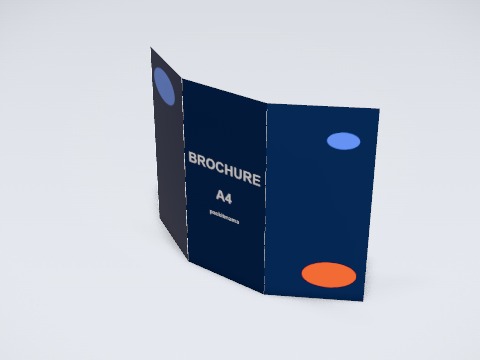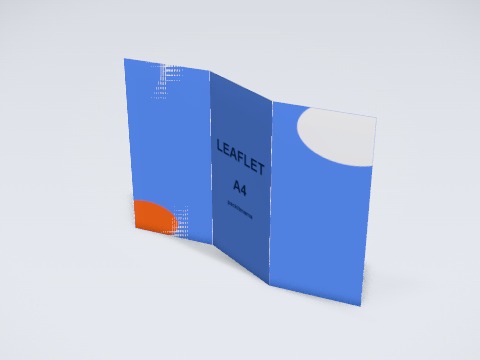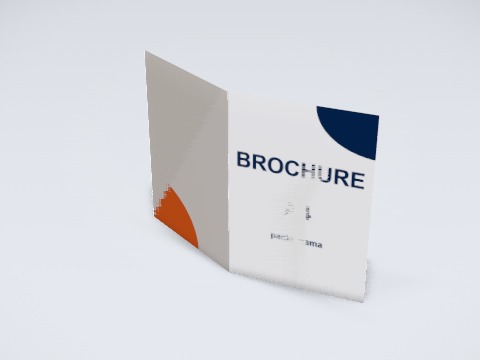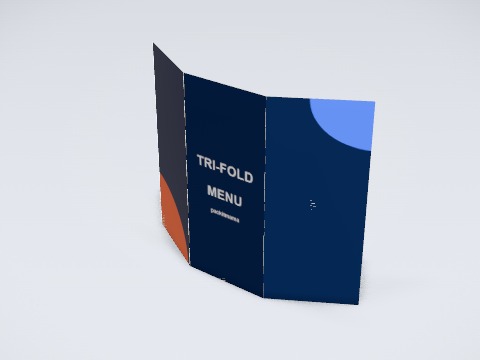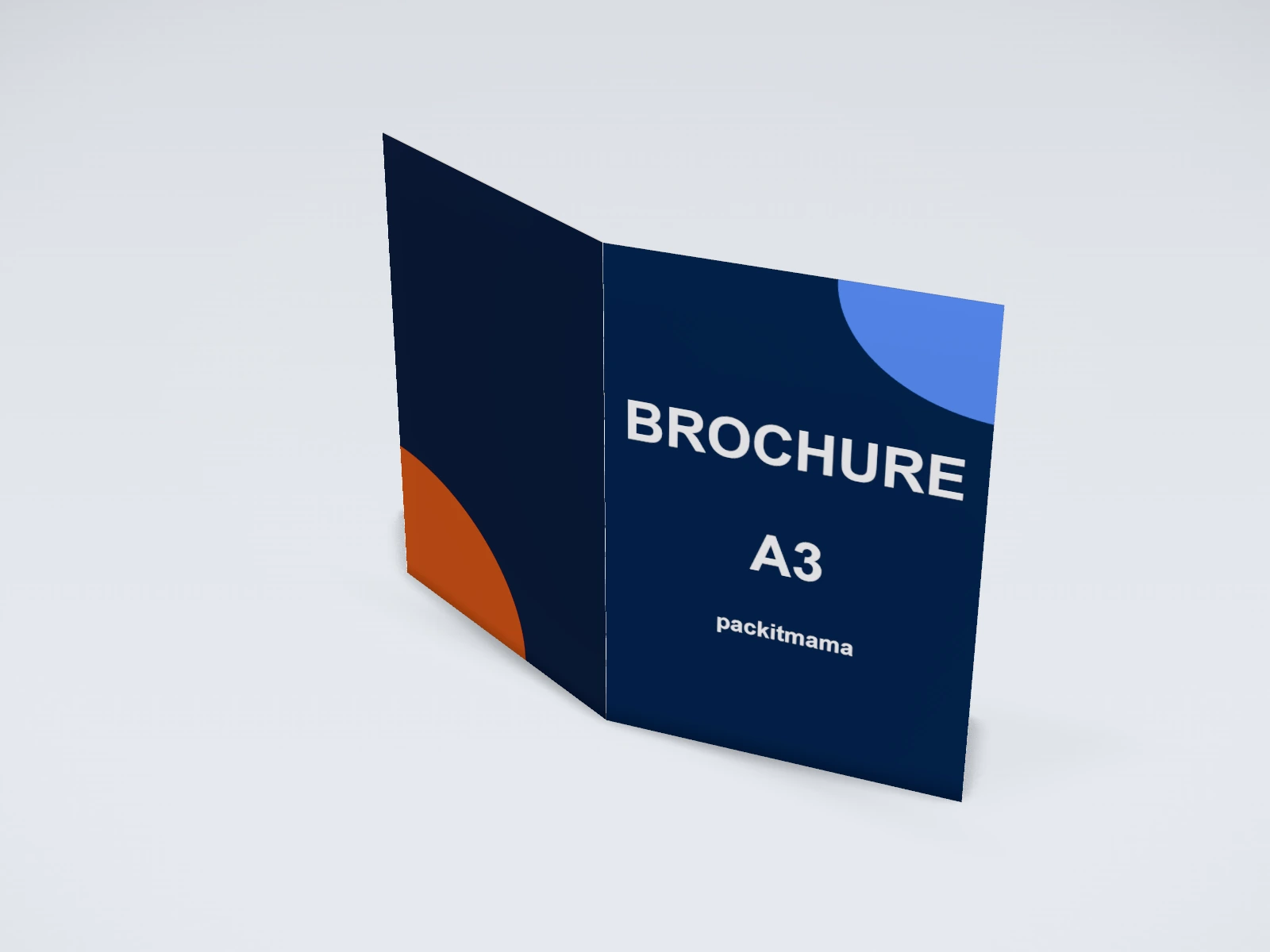
Bi-fold brochure A3 mockup and print template
A brochure or leaflet at 420 x 297 mm in coated paper. Change any size, put your artwork on it, see it in 3D and download a print-ready label. Free, in your browser, no account needed.
What you get
- Structure
- Brochure or leaflet
- Starting size
- Width (flat) 420 mm, Height 297 mm. Every size can be changed.
- Material
- Coated paper
- Downloads
- PDF and SVG print template, PNG and JPG mockup images, turntable video, GLB 3D model
- Good for
- catalogue, half fold
- Accuracy
- An approximation of the industry structure: good for concepts and quotes. Have your printer check flaps, glue areas and allowances before production.
Parts of a brochure or leaflet
A folded brochure puts a menu, a price list, a product range or a company profile into one sheet that fits a hand, a counter rack or a delivery box. The studio folds an A4, A3, A5 or US letter sheet three ways: a tri-fold (roll fold) whose end panel tucks inside, a Z-fold that opens like a zigzag, and a bi-fold that opens like a book. You design the outside spread and the inside spread, and the print layout marks where each fold falls.
- Outside spread
- The side with the front cover and the back cover. In the studio it is the front face, printed across all panels.
- Inside spread
- The side a reader sees when the brochure is open. In the studio it is the back face.
- Panels
- The pages between folds: two for a bi-fold, three for a tri-fold or a Z-fold.
- Fold lines
- Marked as creases in the print layout. Keep text and logos off them.
- Tuck-in panel
- In a roll fold, the end panel that folds inside first. It is made about 2 mm narrower so the brochure closes flat.
- Bleed and safe area
- Backgrounds run about 3 mm past the trim; text stays about 5 mm inside the trim and away from each fold.
How to size it
- Start from the flat sheet the printer uses. An A4 sheet folded in three gives panels about 99 x 210 mm, the DL size that fits a standard rack and envelope.
- Pick the fold: a roll fold reads cover, then inside flap, then the full inside; a Z-fold opens in one pull and suits maps and step by step content; a bi-fold gives four large pages.
- For a roll fold, design on the panel widths the studio marks: the tuck-in panel is narrower than the other two.
- Run backgrounds 3 mm past every trim edge and keep text at least 5 mm from trims and folds.
- Make photos about 300 dpi at the printed size and send the PDF print layout from the studio.
| For | Size (L x W x H) |
|---|---|
| Tri-fold or Z-fold leaflet | A4 flat (297 x 210 mm), folds to about 99 x 210 mm |
| Bi-fold brochure | A4 flat, folds to A5 (148 x 210 mm) |
| Larger bi-fold or catalogue cover | A3 flat (420 x 297 mm), folds to A4 |
| Small leaflet | A5 flat (210 x 148 mm) |
Materials and finishes
- Coated paper (gloss or silk)
- Sharp photos and strong colour. The usual choice for product and travel brochures.
- Uncoated paper
- A natural feel that is easy to write on. Good for menus, forms and a calmer look; colours print a little softer.
- Heavier stock
- Feels premium and stands up well in a rack, but it must be creased (scored) before folding or the print cracks along the fold.
Finishes
- Creasing
- A pressed line that helps heavier paper fold cleanly. Ask for it on anything thicker than everyday leaflet paper.
- Lamination
- Matte or gloss film for menus that get handled and wiped.
Mistakes to avoid
- Designing a roll fold on three equal panels: the tuck-in panel catches and the brochure will not close flat.
- Text or a logo across a fold line: it bends out of sight or cracks on heavy paper.
- Putting the front cover on the wrong panel. In a roll fold the cover sits on the end panel of the outside spread, not in the middle; fold a printed test sheet before you send the file.
- No bleed: a thin white edge appears where the sheet is trimmed.
How to make it in the studio
- Open it. Press Customise this bi-fold brochure A3. It opens in the 3D studio at 420 x 297 mm.
- Set the size. In the Size panel, pick a preset or type your own measurements.
- Add your design. In the Design panel, upload your logo or artwork: it goes on the front first. Pick other faces to add colours, text or images to each.
- Check it in 3D. Turn the pack around. Switch to the flat print view to see the artwork on the label.
- Download. The Download panel gives you the print template first, then mockup images for your store or social posts.
- Get it made. If you want a quote, send the design to packitmama from the Download panel, and we will reply personally.
Questions
Which side is the front face in the studio?
The front face is the whole outside spread and the back face is the whole inside spread. Design each as one wide page; the fold lines show where the panels end.
What size is an A4 tri-fold when folded?
About 99 x 210 mm, which is DL size. It fits a DL envelope and most leaflet racks.
Do I need creasing?
For everyday leaflet paper, usually not. For heavier cover stock, yes: ask your printer, as it stops the paper cracking along the fold.