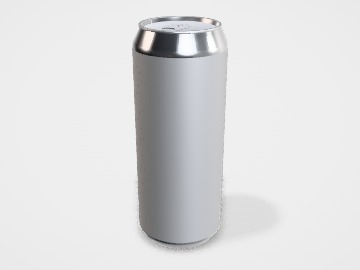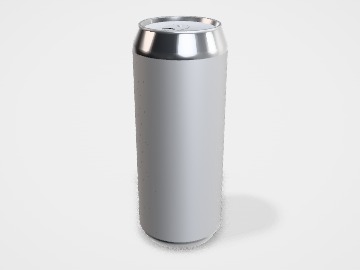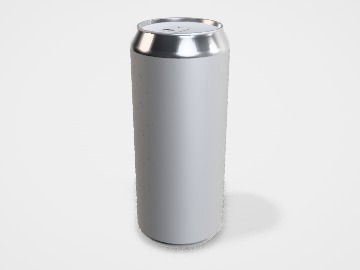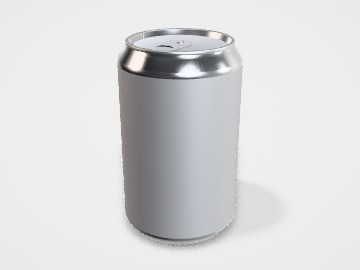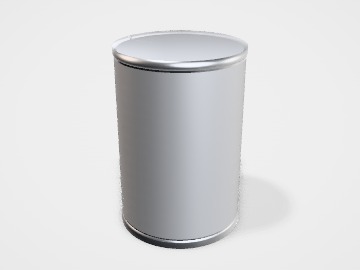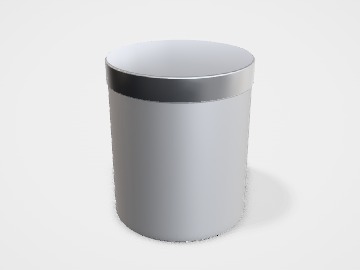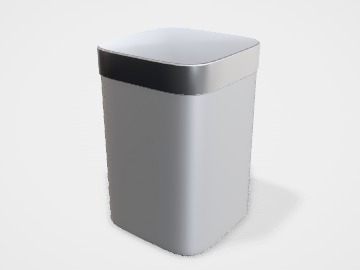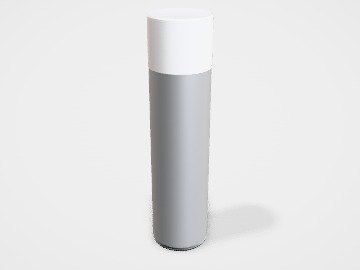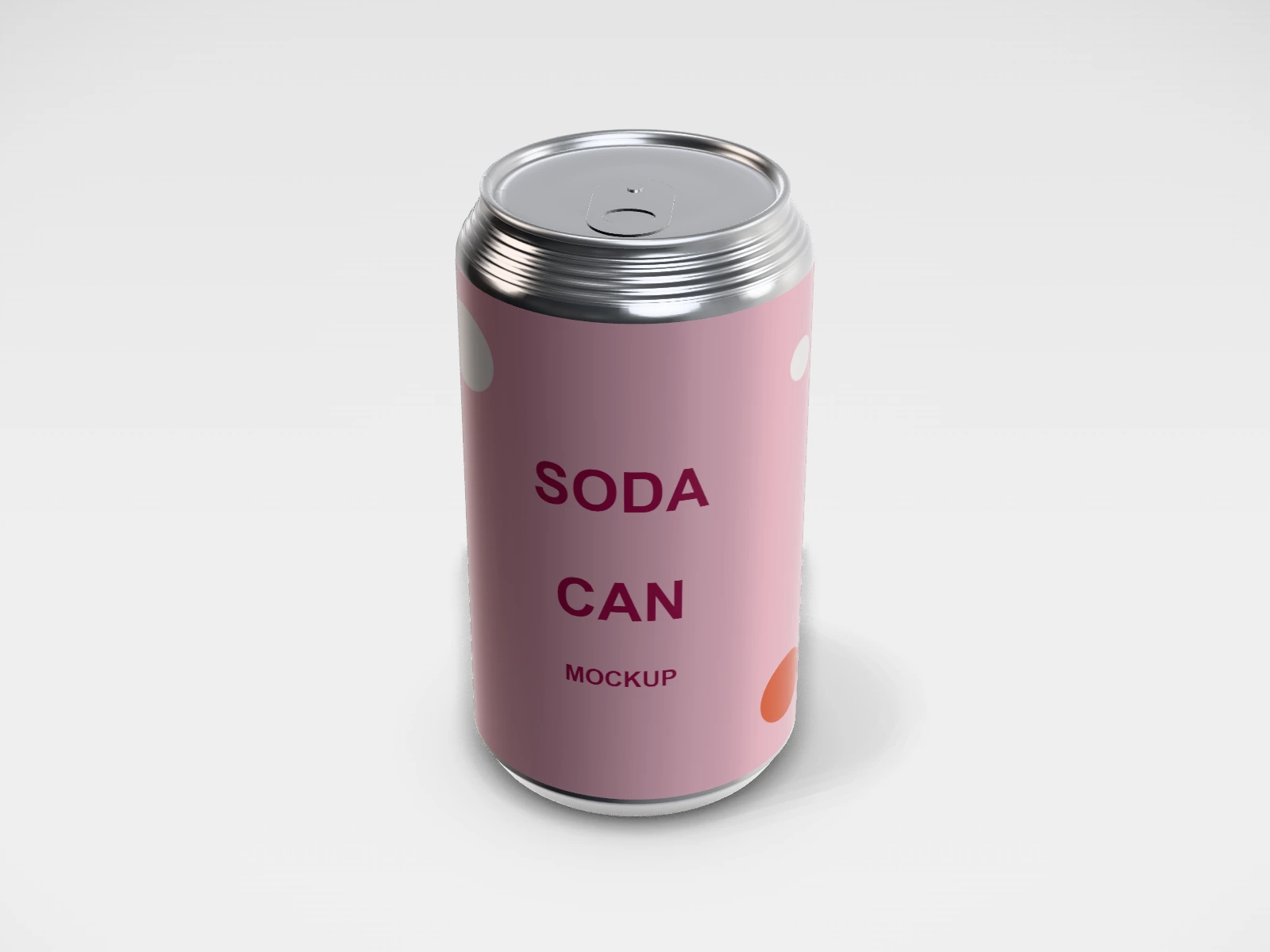
Standard soda can mockup and print template
A beverage can at 66 x 122 mm in aluminium. Change any size, put your artwork on it, see it in 3D and download a print-ready label. Free, in your browser, no account needed.
What you get
- Structure
- Beverage can
- Starting size
- Diameter 66 mm, Height 122 mm. Every size can be changed.
- Material
- Aluminium
- Downloads
- PDF and SVG print template, PNG and JPG mockup images, turntable video, GLB 3D model
- Good for
- 355 ml, aluminium
- Accuracy
- An approximation of the industry structure: good for concepts and quotes. Have your printer check flaps, glue areas and allowances before production.
Standard soda can: what to know
The standard 66 mm can, used for 330 ml in India and Europe and 355 ml in the US. It is the most common can for soft drinks, sodas and craft beverages.
- Design the wrap as a band around the body; the front of the can is wherever the logo sits.
- For a first batch, a printed label or shrink sleeve on a blank can avoids the high minimums of direct can printing.
- Get the exact template from your can supplier before final artwork, since heights vary by a few millimetres.
Parts of a beverage can
A beverage can is a two-piece aluminium can: a seamless body with a domed base, and a separate lid with a ring pull seamed on after filling. It chills fast, blocks light and air, and stacks well. Can sizes are standardised by the can makers, so you choose a size rather than design one. In the studio you pick standard, sleek, slim, tall, king or mini and design the wrap around the body.
- Body
- The straight cylinder. This is the print area, all the way round.
- Neck
- The tapered top where the body narrows to the lid. Print here is distorted.
- Lid and tab
- The end with the ring pull, fitted after filling. It is not printed with your artwork.
- Base dome
- The domed bottom that resists the pressure inside. Batch codes are often printed here.
How to size it
- Pick the can size by capacity: the studio offers standard, sleek, slim, tall, king and mini.
- The print area is the straight body: about 3.14 x the diameter around, and the body height between the neck and the base.
- Keep text and logos a few millimetres away from the neck and base, where the can curves.
- Download the wrap as PDF or SVG; your can maker or label printer will place it on their own template.
| For | Size (L x W x H) |
|---|---|
| Standard 330 or 355 ml | 66 mm diameter (330 ml is common in India and Europe, 355 ml in the US) |
| Sleek 330 or 355 ml | 58 mm diameter |
| Slim 250 ml | 53 mm diameter (energy drinks) |
| Tall 473 ml or king 500 ml | 66 mm diameter (a taller standard can) |
Materials and finishes
- Aluminium, printed directly
- Large runs. The design is printed straight onto the can body by the can maker.
- Blank aluminium with a label or shrink sleeve
- Small runs and launches, when direct printing minimums are too high.
Finishes
- Matte or gloss over-varnish
- Sets the feel of the can. Matte reads premium; gloss makes colours pop.
- Clear label or sleeve
- On blank cans, a clear label lets the metal show through.
Mistakes to avoid
- Placing the logo where the side seam of a label or sleeve falls, so it is split or hidden.
- Small text near the neck, where the can tapers and the print distorts.
- Assuming every 330 ml can is the same height: can makers vary by a few millimetres. Get their template before final artwork.
- Designing in RGB neon colours that metal inks cannot match. Ask for a printed proof.
How to make it in the studio
- Open it. Press Customise this standard soda can. It opens in the 3D studio at 66 x 122 mm.
- Set the size. In the Size panel, pick a preset or type your own measurements.
- Add your design. In the Design panel, upload your logo or artwork: it goes on the front first. Pick other faces to add colours, text or images to each.
- Check it in 3D. Turn the pack around. Switch to the flat print view to see the artwork on the label.
- Download. The Download panel gives you the print template first, then mockup images for your store or social posts.
- Get it made. If you want a quote, send the design to packitmama from the Download panel, and we will reply personally.
Questions
What is the difference between a standard and a sleek can?
Similar capacity, different shape: a sleek can is narrower (58 mm) and taller than a standard 66 mm can.
Can I print a small batch of cans?
Direct can printing is for large runs. For small batches, brands label or sleeve blank cans. The studio artwork works for both.