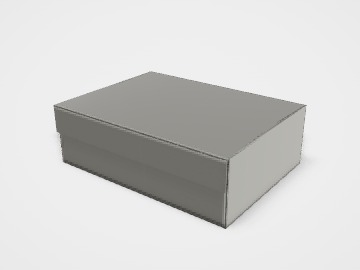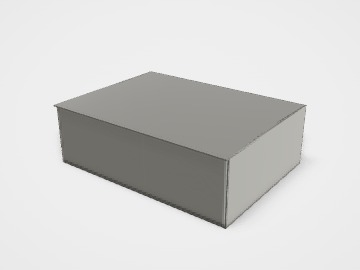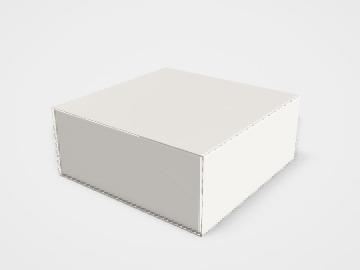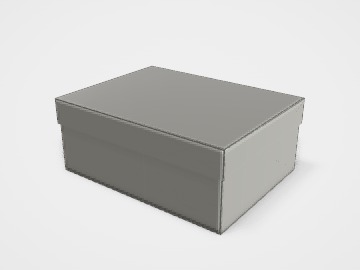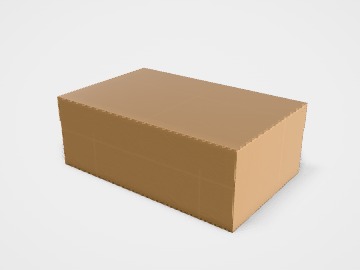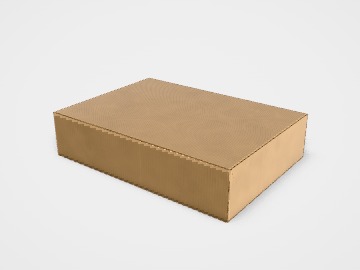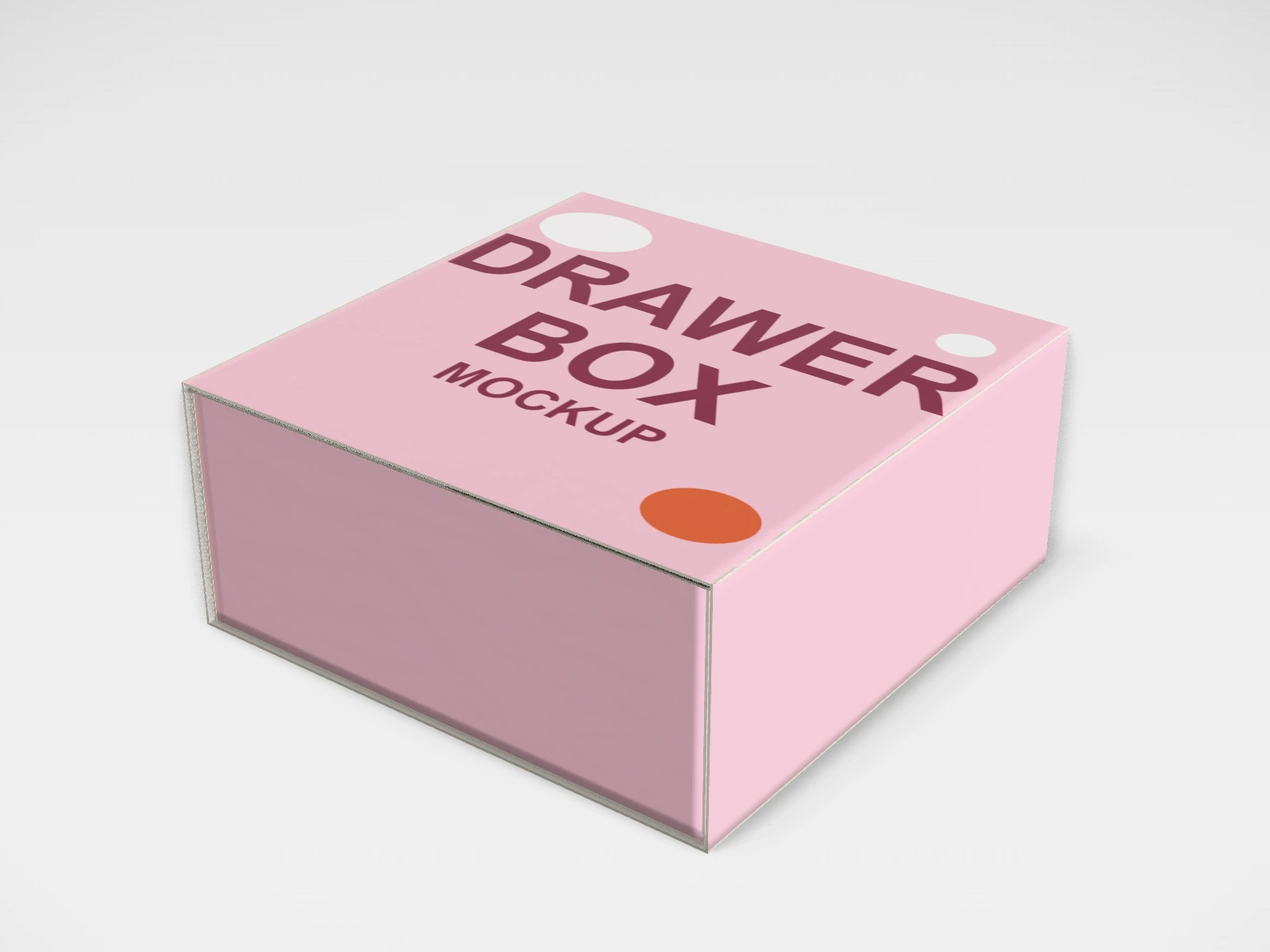
Jewellery drawer box mockup and dieline
A drawer box at 80 x 80 x 35 mm in white paperboard. Change any size, put your artwork on it, see it in 3D and download a print-ready dieline. Free, in your browser, no account needed.
The flat dieline
What you get
- Structure
- Drawer box
- Starting size
- Length 80 mm, Width 80 mm, Height 35 mm. Every size can be changed.
- Material
- White paperboard
- Downloads
- PDF, SVG and DXF dieline, PNG and JPG mockup images, fold and turntable videos, GLB 3D model
- Good for
- necklace, ring, jewelry
- Accuracy
- An approximation of the industry structure: good for concepts and quotes. Have your printer check flaps, glue areas and allowances before production.
Parts of a drawer box
A drawer box has two parts: an outer sleeve open at both ends and a tray that slides into it, like a matchbox. Pulling the drawer out is a small, satisfying reveal, so it is popular for jewellery, chocolates, Diwali gifts and small accessories. It can be made from folding paperboard, which ships flat, or as a rigid box with greyboard wrapped in printed paper. A ribbon pull or thumb notch on the tray makes it easy to open.
- Sleeve
- The outer wrap, open at the front and back. It carries most of the artwork.
- Sleeve glue flap
- Joins the sleeve into a tube.
- Tray
- The inner drawer: a floor and four walls with corner ears. It holds the product.
- Drawer front
- The front wall of the tray, visible in the sleeve opening. Print a logo or colour here.
- Pull (optional)
- A ribbon tab or a thumb cut in the sleeve, so the drawer can be pulled out.
How to size it
- Measure the product, or the product in its insert: length, width, height.
- Add 2 to 3 mm on each side for the tray inside size.
- Enter the sleeve size as Inside sizes in the studio. The tray is drawn slightly smaller so it slides in, and the outside size is shown under the fields.
- Make a sample: the tray should slide easily but not fall out when the box is tipped.
| For | Size (L x W x H) |
|---|---|
| Ring or earrings | 80 x 80 x 35 mm |
| Chocolates (single layer) | 160 x 160 x 35 mm |
| Festive gift | 250 x 200 x 80 mm |
Materials and finishes
- White paperboard, 300 to 400 gsm
- Folding drawer boxes that ship flat. Good for chocolates and favours.
- Greyboard 1.5 to 2 mm, wrapped in printed paper
- Rigid drawer boxes for jewellery and premium gifts. Delivered made up.
- Kraft board
- A natural look for handmade and eco-leaning products.
Finishes
- Matte lamination
- Protects the sleeve, which is handled every time the drawer is opened.
- Foil stamping
- A gold or silver logo on the sleeve top.
- Contrast colour tray
- A plain sleeve with a bright tray, or the reverse, is a simple way to stand out.
Mistakes to avoid
- A tray that fits too tightly. Board thickness on the sleeve and tray walls adds up; allow some play.
- Artwork that wraps the sleeve without lining up at the glue seam. Check the 3D view before you download.
- Forgetting the drawer front: it is visible every time, so give it a colour or logo.
- Printing the studio sheet for a rigid drawer box. Rigid versions use separate wrap sheets laid out by the box maker.
How to make it in the studio
- Open it. Press Customise this jewellery drawer box. It opens in the 3D studio at 80 x 80 x 35 mm.
- Set the size. In the Size panel, choose whether you are entering the Inside or Outside size, then type your measurements. The other one is shown underneath.
- Add your design. In the Design panel, upload your logo or artwork: it goes on the top first. Pick other faces to add colours, text or images to each.
- Check it in 3D. Turn the pack around, and use the Flat to Closed slider to watch it fold. Switch to the Dieline view to see the artwork on the dieline.
- Download. The Download panel gives you the PDF dieline to send your printer first, then mockup images for your store or social posts.
- Get it made. If you want a quote, send the design to packitmama from the Download panel, and we will reply personally.
Questions
Are the sleeve and tray one piece?
They are drawn on one sheet here. In production they are usually two separate blanks, cut and folded separately.
How do I add a ribbon pull?
The ribbon is added by the box maker when the tray is made. Mention it in your brief.