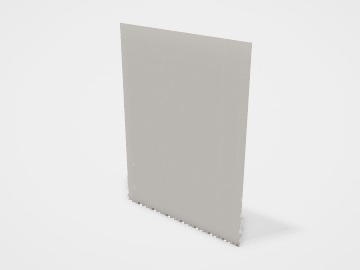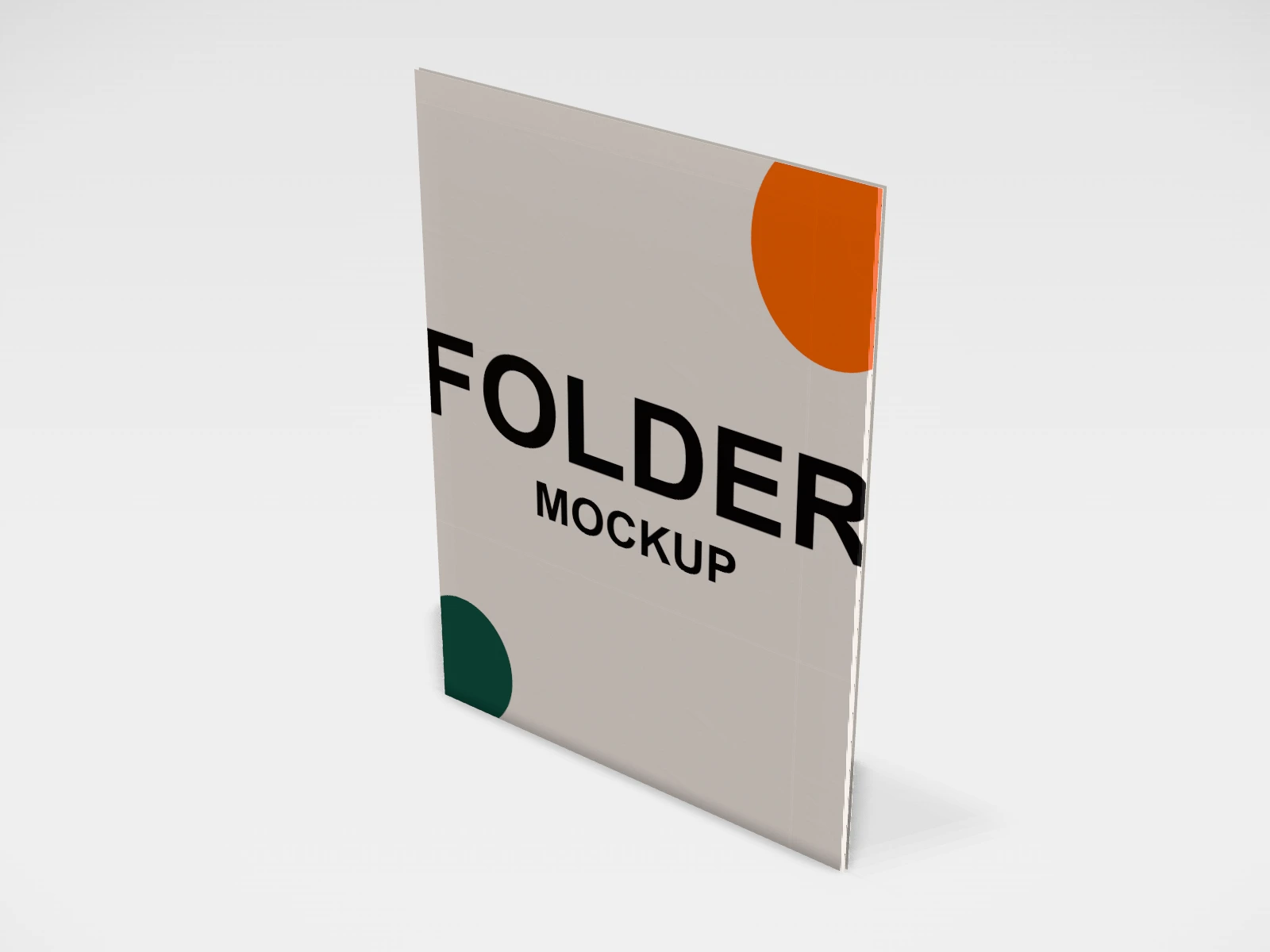
Presentation folder mockup and dieline
A presentation folder at 225 x 100 x 310 mm in white paperboard. Change any size, put your artwork on it, see it in 3D and download a print-ready dieline. Free, in your browser, no account needed.
The flat dieline
What you get
- Structure
- Presentation folder
- Starting size
- Width 225 mm, Pocket depth 100 mm, Height 310 mm. Every size can be changed.
- Material
- White paperboard
- Downloads
- PDF, SVG and DXF dieline, PNG and JPG mockup images, fold and turntable videos, GLB 3D model
- Good for
- pocket folder, A4
- Accuracy
- An approximation of the industry structure: good for concepts and quotes. Have your printer check flaps, glue areas and allowances before production.
Parts of a presentation folder
A presentation folder holds proposals, brochures, price lists and contracts, and makes a pile of loose sheets look like one considered pack. The studio has a two-cover folder with a glued pocket inside the back cover and optional business-card slits, or a single-sheet file pocket. The default 225 x 310 mm cover takes A4 sheets with room to spare, and you can set the pocket depth.
- Front cover
- Logo, title or a full-bleed image. The face people see on the desk.
- Back cover
- Contact details, address and website.
- Spine
- The fold between the covers. A wider spine holds more sheets.
- Folds up inside the back cover and is glued at its edges. It holds the documents.
- Glue flaps
- Narrow flaps that fix the pocket to the cover.
- Business-card slits
- Small cuts in the pocket that hold a visiting card.
How to size it
- Start from the documents: for A4 sheets (210 x 297 mm), covers of about 220 to 230 mm by 305 to 310 mm leave room for fingers.
- Pocket depth is usually about 80 to 120 mm. Deeper holds sheets better, shallower shows more of the top page.
- For more than a few sheets, ask your printer about a wider spine or a gusset; the studio folder holds a thin stack.
- Add 3 mm bleed around the flat layout and keep text 5 mm from folds and cuts.
| For | Size (L x W x H) |
|---|---|
| A4 folder (each cover) | 225 x 310 mm (the studio default) |
| Pocket depth | 80 to 120 mm (a starting point) |
Materials and finishes
- White board, about 300 to 400 gsm
- The usual presentation folder: stiff enough to stand up to handling.
- Kraft board
- A natural look for eco and craft brands.
Finishes
- Matte or gloss lamination
- Protects the covers and stops dark colours cracking at the folds.
- Foil or spot UV logo
- A premium touch on the front cover.
Mistakes to avoid
- Dark solid colour across the spine without lamination: the board cracks and shows white at the fold.
- Card slits where the logo or text is: the cuts go straight through it.
- A pocket that cannot take the stack: a thin folder bulges and opens. Ask for a spine or gusset if you send thick proposals.
- Artwork that ignores the pocket: the pocket covers the lower part of the inside back cover.
How to make it in the studio
- Open it. Press Customise this presentation folder. It opens in the 3D studio at 225 x 100 x 310 mm.
- Set the size. In the Size panel, choose whether you are entering the Inside or Outside size, then type your measurements. The other one is shown underneath.
- Add your design. In the Design panel, upload your logo or artwork: it goes on the front first. Pick other faces to add colours, text or images to each.
- Check it in 3D. Turn the pack around, and use the Flat to Closed slider to watch it fold. Switch to the Dieline view to see the artwork on the dieline.
- Download. The Download panel gives you the PDF dieline to send your printer first, then mockup images for your store or social posts.
- Get it made. If you want a quote, send the design to packitmama from the Download panel, and we will reply personally.
Questions
Will A4 fit?
Yes, the default 225 x 310 mm covers take A4 sheets with room around them.
Folder or file pocket?
A folder has two covers and looks more finished. A file pocket is one sheet with a pocket: cheaper and lighter, good for inserts in a box.