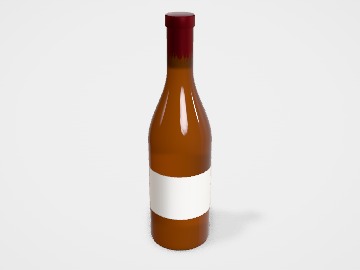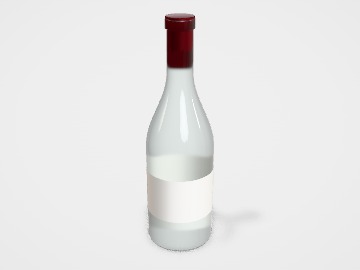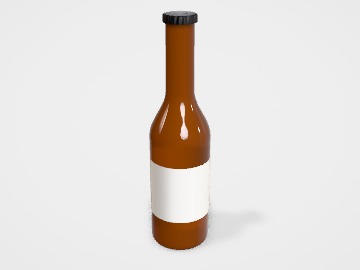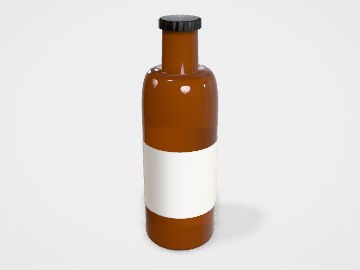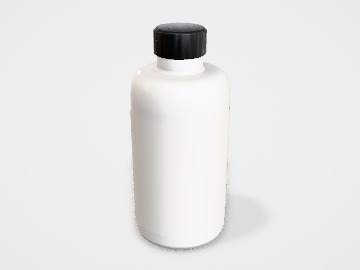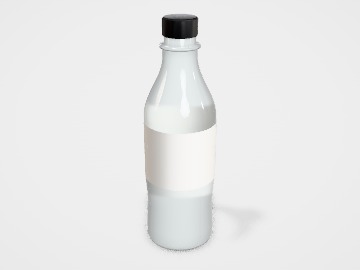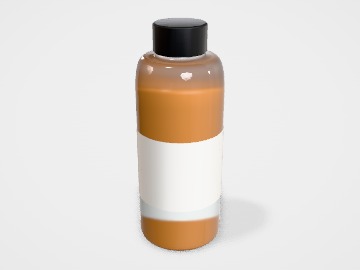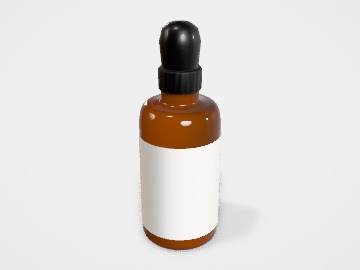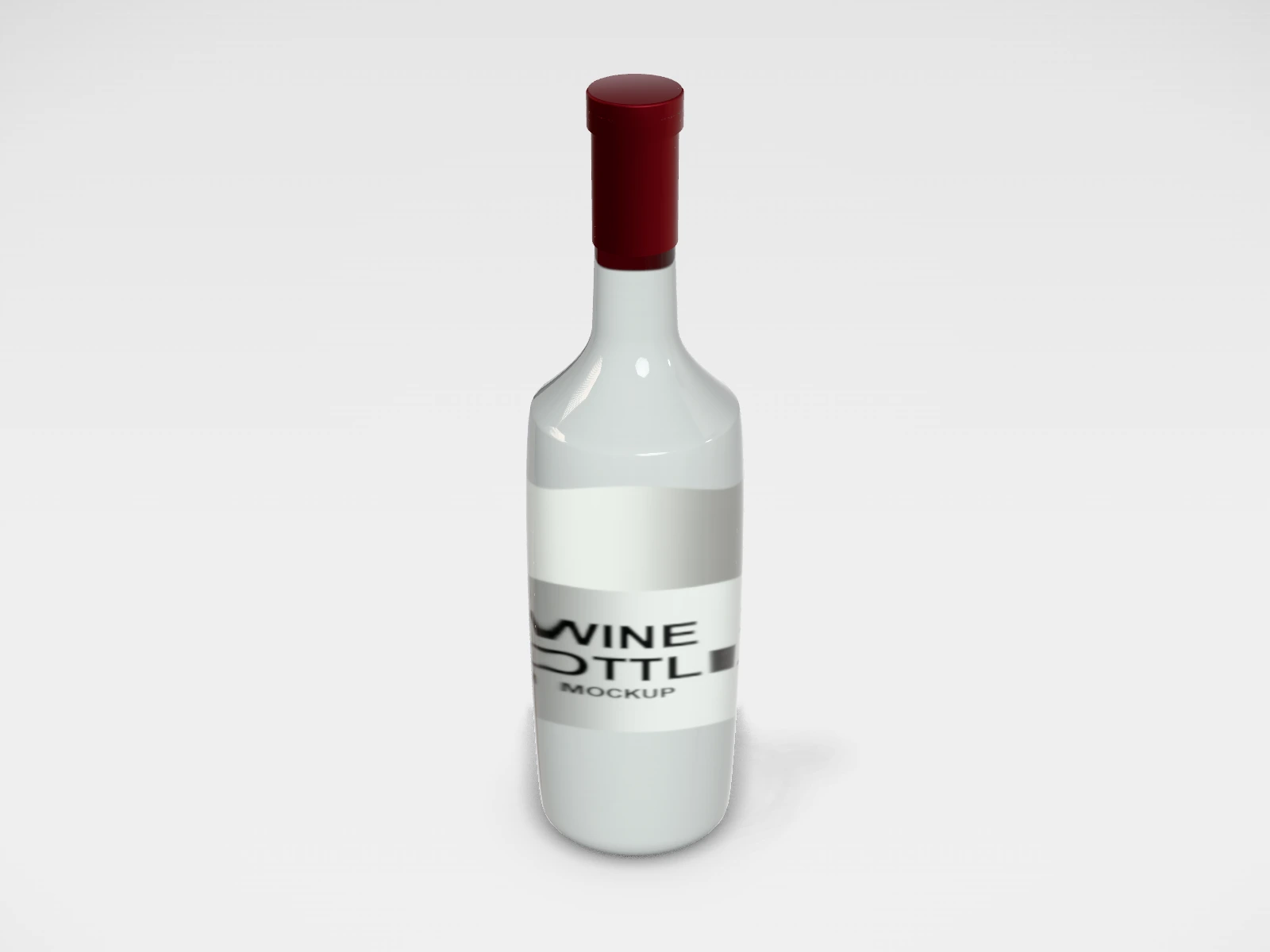
Wine bottle (Bordeaux) mockup and print template
A bottle at 76 x 300 x 60 mm in clear glass. Change any size, put your artwork on it, see it in 3D and download a print-ready label. Free, in your browser, no account needed.
What you get
- Structure
- Bottle
- Starting size
- Width 76 mm, Height 300 mm, Label height 60 mm. Every size can be changed.
- Material
- Clear glass
- Downloads
- PDF and SVG print template, PNG and JPG mockup images, turntable video, GLB 3D model
- Good for
- glass
- Accuracy
- An approximation of the industry structure: good for concepts and quotes. Have your printer check flaps, glue areas and allowances before production.
Wine bottle (Bordeaux): what to know
The Bordeaux bottle is the straight-sided, high-shouldered 750 ml wine bottle. Its long straight body makes it the easiest wine bottle to label.
- Wine labels are often textured, wet-strength paper so they hold up in an ice bucket.
- Front and back labels are common: the front for the brand, the back for the details.
- Keep the label below the shoulder; the bottle starts curving well before the neck.
- Alcohol labelling is set by FSSAI and by each state. Check the current rules where you sell.
Parts of a bottle
A bottle is the pack for anything that pours: water, juice, oil, sauce, wine, shampoo, supplements. The shape and material are usually chosen from a stock range, and the brand lives on the label. In the studio you pick a body profile (eleven, from water to wine), a cross section, a closure and a label style, then size the label to the straight part of the body and put your artwork on it.
- Body
- The main part of the bottle. Only its straight section takes a label well.
- Shoulder
- Where the body curves in towards the neck. A flat label wrinkles here.
- Neck and finish
- The narrow top and its thread. The finish size decides which caps fit.
- Closure
- Screw cap, sports cap, flip-top, crown, cork, pump, dropper, mist or trigger sprayer in the studio.
- Label panel
- The printed area: a wrap-around label, or separate front and back labels.
How to size it
- Choose the capacity first, then a stock bottle of that capacity from your supplier. Bottle sizes are set by the bottle maker.
- Measure the bottle width and height, and the height of the straight part of the body. Enter them as Width, Height and Label height.
- For a wrap-around label, the label length is about the circumference (3.14 x diameter) plus a few millimetres of overlap.
- Keep 2 to 3 mm clear between the label and the shoulder and the base, where the glass or plastic starts to curve.
- Download the label as PDF or SVG and send it with the bottle reference to your label printer.
| For | Size (L x W x H) |
|---|---|
| Supplement, Boston round | 60 to 120 ml (pills, powders, tinctures) |
| Water, PET | 500 ml and 1 litre |
| Wine, Bordeaux | 750 ml (about 76 mm wide, 300 mm tall) |
| Beer, long neck | 330 ml |
Materials and finishes
- Glass, clear or amber
- Wine, sauces, oils and anything that must not taint. Amber glass protects light-sensitive contents.
- PET
- Water, juice and soft drinks: clear, light and shatterproof.
- HDPE
- Supplements, shampoo and household products: opaque, tough and squeezable.
- Aluminium
- Premium water and personal care; usually printed directly or labelled.
Finishes
- Paper label
- Natural look; fine for dry, cool storage. Wine labels often use textured wet-strength paper.
- BOPP film label, white or clear
- Resists water, oil and chilling. A clear label gives a printed-on-the-bottle look.
- Shrink sleeve
- Covers the whole body, including the curves. Needs its own artwork layout from the sleeve printer.
Mistakes to avoid
- Designing a label taller than the straight part of the body: it creases on the shoulder or lifts at the base.
- Forgetting the overlap on a wrap-around label, so the two ends do not meet.
- Paper labels on bottles that go into a fridge or ice: condensation wrinkles and peels them.
- Choosing a cap before checking the neck finish. A cap has to match the finish size and thread of that bottle.
- Small text across the label seam, where the overlap hides it.
How to make it in the studio
- Open it. Press Customise this wine bottle (bordeaux). It opens in the 3D studio at 76 x 300 x 60 mm.
- Set the size. In the Size panel, pick a preset or type your own measurements.
- Add your design. In the Design panel, upload your logo or artwork: it goes on the front first. Pick other faces to add colours, text or images to each.
- Check it in 3D. Turn the pack around. Switch to the flat print view to see the artwork on the label.
- Download. The Download panel gives you the print template first, then mockup images for your store or social posts.
- Get it made. If you want a quote, send the design to packitmama from the Download panel, and we will reply personally.
Questions
Wrap-around or front and back labels?
A wrap-around is one label and one application. Front and back labels leave the bottle visible at the sides and suit oddly shaped bottles.
Can I download the label?
Yes. The Download panel gives the label area as PDF, SVG or DXF, plus PNG or JPG mockup images.
What must a food or drink label show?
Check the current FSSAI labelling and packaging requirements for your product category.