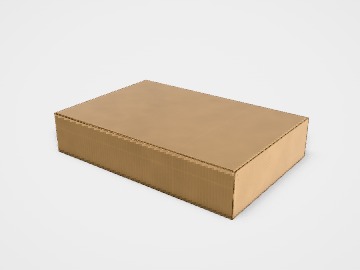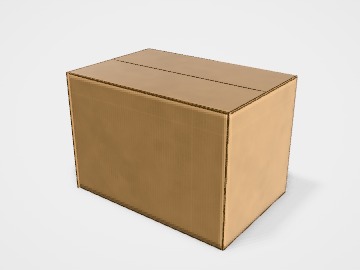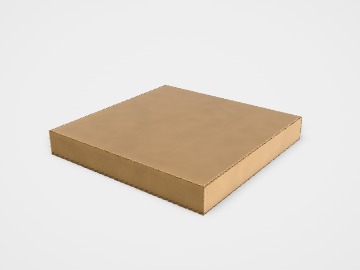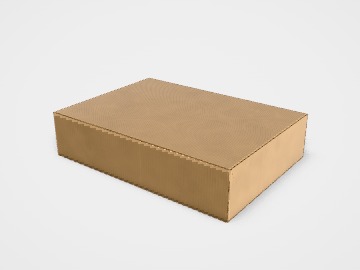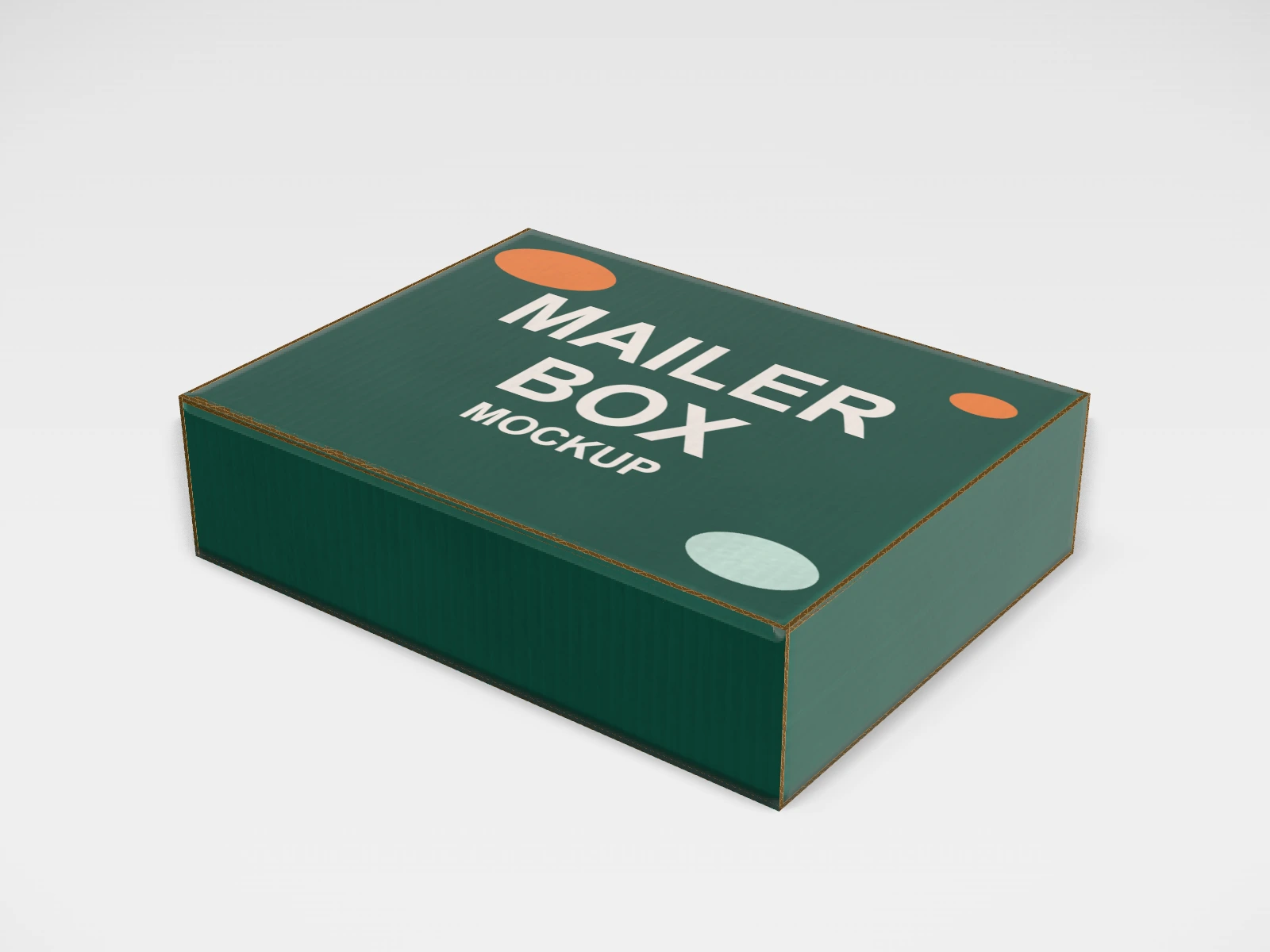
Small mailer box mockup and dieline
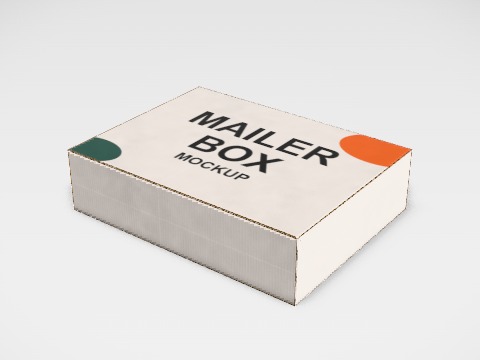
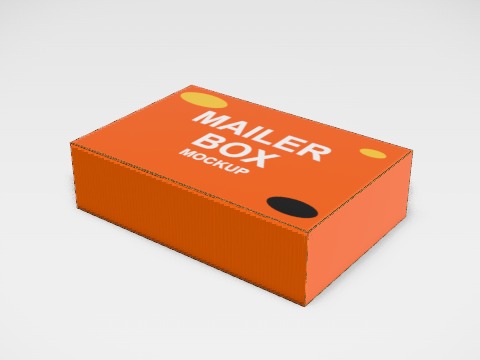
A roll end tuck front mailer at 200 x 150 x 50 mm in E-flute corrugated. Change any size, put your artwork on it, see it in 3D and download a print-ready dieline. Free, in your browser, no account needed.
The flat dieline
What you get
- Structure
- Roll end tuck front mailer
- Starting size
- Length 200 mm, Width 150 mm, Height 50 mm. Every size can be changed.
- Material
- E-flute corrugated
- Downloads
- PDF, SVG and DXF dieline, PNG and JPG mockup images, fold and turntable videos, GLB 3D model
- Good for
- e-commerce, jewellery, accessories
- Accuracy
- An approximation of the industry structure: good for concepts and quotes. Have your printer check flaps, glue areas and allowances before production.
Parts of a roll end tuck front mailer
A mailer box is a one-piece corrugated box with a hinged lid that tucks into the front. It folds up without glue or tape, survives a courier trip, and opens like a gift, which is why it is the standard box for e-commerce, subscriptions and D2C brands. The industry name for this style is a roll end tuck front (FEFCO 0427).
- Base
- The floor of the box. Your product sits here.
- Front wall
- Folded double (rolled over) for strength; the lid tucks in behind it.
- Side walls and ears
- Side walls fold up; small ears lock into the front wall so the box holds its shape.
- Lid
- Hinged at the back, with a tuck flap at the front and dust flaps at the sides.
- Tuck flap
- Slides into the front wall to close the box. Lock tabs on its corners keep it shut.
How to size it
- Measure the product, including any inner pack, tissue paper or filler.
- Add 3 to 5 mm on length and width, and a little on height, so the lid closes flat.
- Keep the box as small as the product allows: couriers charge by the larger of real weight and volumetric weight.
- Many Indian couriers work out volumetric weight as length x width x height in centimetres, divided by 5000. A 30 x 20 x 10 cm box counts as 1.2 kg even if it weighs less.
| For | Size (L x W x H) |
|---|---|
| Jewellery, accessories, cosmetics | 200 x 150 x 50 mm |
| T-shirts and folded apparel | 350 x 250 x 80 mm |
| Subscription and gift sets | 300 x 200 x 100 mm |
| Books and stationery | 250 x 180 x 60 mm |
Materials and finishes
- E-flute corrugated (about 1.5 mm)
- Most mailers. Thin, light, folds neatly and prints well.
- B-flute corrugated (about 3 mm)
- Heavier or fragile products that need more crush strength.
- Kraft liner
- The brown, natural look. Cheapest, and bold one or two colour prints suit it.
- White liner
- Full-colour artwork and photos print cleaner and brighter.
Finishes
- Print inside
- A message or pattern revealed when the lid opens. It adds to cost; many brands keep the outside plain and print only inside.
- Matte varnish
- Reduces scuffing in transit; lamination is less common on corrugated.
Mistakes to avoid
- An oversized box: it costs more to make and more to ship, and the product moves around inside.
- Fine text or thin lines across fold lines: corrugated board cracks the print at creases. Keep small text on flat panels.
- Dark full-bleed colour on kraft board: it prints duller and darker than on screen. Ask for a printed sample.
- Forgetting that the front wall is doubled: the inside length is a little shorter than the outside.
How to make it in the studio
- Open it. Press Customise this small mailer box. It opens in the 3D studio at 200 x 150 x 50 mm.
- Set the size. In the Size panel, choose whether you are entering the Inside or Outside size, then type your measurements. The other one is shown underneath.
- Add your design. In the Design panel, upload your logo or artwork: it goes on the top first. Pick other faces to add colours, text or images to each.
- Check it in 3D. Turn the pack around, and use the Flat to Closed slider to watch it fold. Switch to the Dieline view to see the artwork on the dieline.
- Download. The Download panel gives you the PDF dieline to send your printer first, then mockup images for your store or social posts.
- Get it made. If you want a quote, send the design to packitmama from the Download panel, and we will reply personally.
Questions
Does a mailer box need tape?
No. The tuck flap and side ears hold it closed. Many brands add a sticker or tear strip as tamper evidence.
E-flute or B-flute?
E-flute for most products up to a couple of kilograms; B-flute when the product is heavy, fragile, or stacked in transit.
Can I see the box open?
Yes. In the studio, the Flat to Closed slider folds it, and the 3D view turns it around.