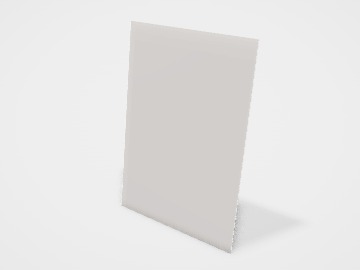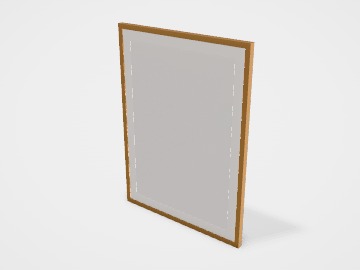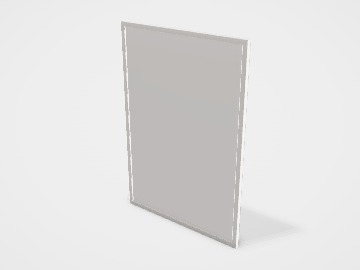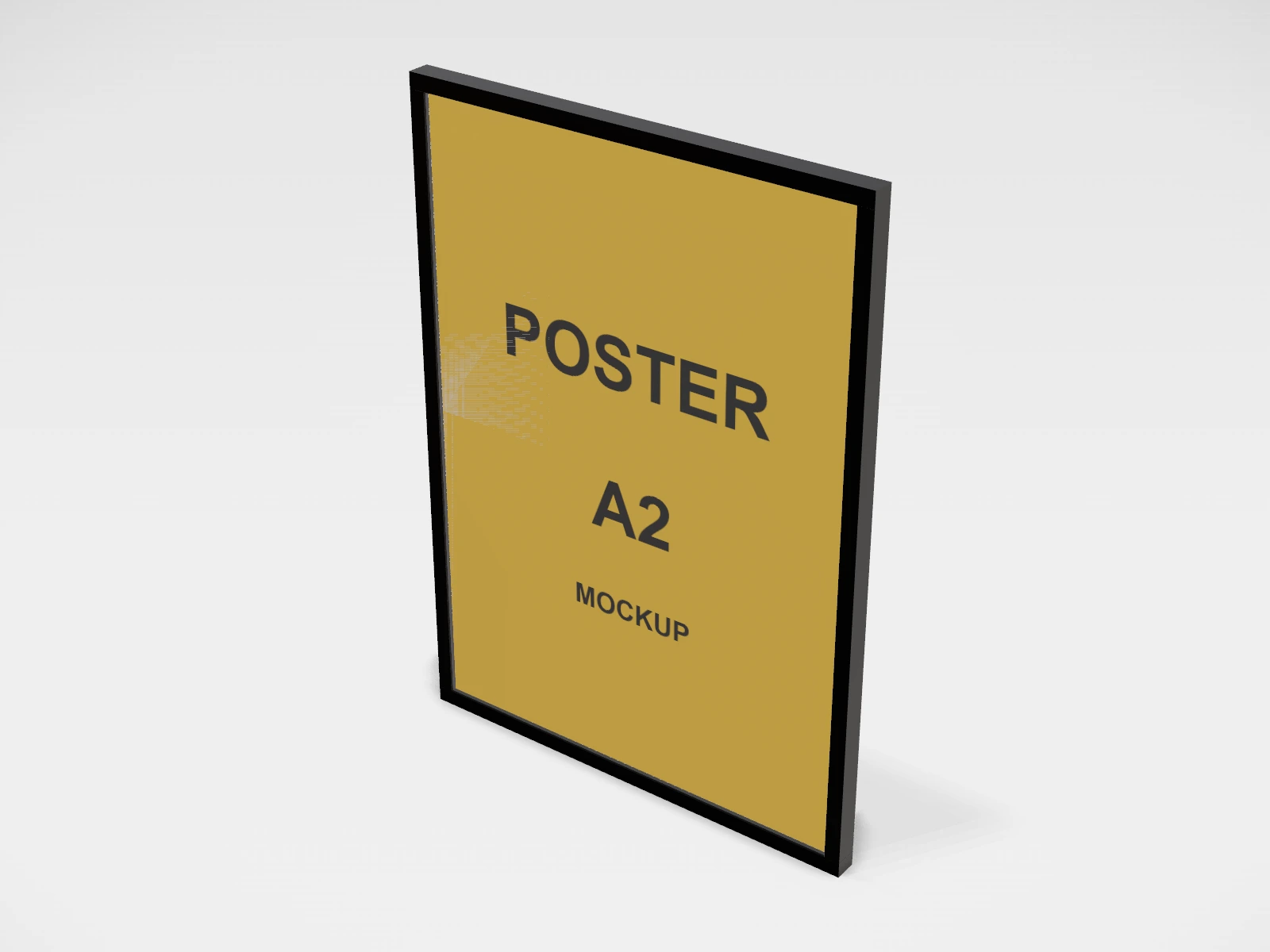
Framed poster A2 mockup and print template
A poster at 420 x 594 mm in coated paper. Change any size, put your artwork on it, see it in 3D and download a print-ready print file. Free, in your browser, no account needed.
What you get
- Structure
- Poster
- Starting size
- Width 420 mm, Height 594 mm. Every size can be changed.
- Material
- Coated paper
- Downloads
- PDF and SVG print template, PNG and JPG mockup images, turntable video, GLB 3D model
- Good for
- wall art, print
- Accuracy
- An approximation of the industry structure: good for concepts and quotes. Have your printer check flaps, glue areas and allowances before production.
Framed poster A2: what to know
An A2 poster in a black frame is a common size for shop walls, cafe art and prints sold online. The black frame suits bold artwork and photography.
- At 300 dpi an A2 print needs about 4961 x 7016 px; at 150 dpi about 2480 x 3508 px. Check your file before you design.
- The frame lip covers a few millimetres of the print. Keep text and signatures at least 10 mm from the edge.
- Turn on Mount board to see the print with a white border, a common gallery look.
Parts of a poster
Posters sell products in shops, promote events and are sold as wall art. The studio has A-series, 50 x 70 cm and US sizes, shown unframed or in a black, white or oak frame with an optional mount board, so you can show a print as it will look on a wall. Size and resolution matter more here than on any small print: a poster is big, and every flaw in the file is enlarged.
- The poster itself, at the size you pick.
- Frame
- Black, white or oak. It sits outside the poster size and its lip covers a few millimetres of the edge.
- Mount board
- A card border inside the frame. It covers a margin of the print, as real mounts do.
- Safe area
- Keep text and faces away from the edges, which a frame or mount can cover.
How to size it
- Pick a standard size. Ready-made frames come in standard sizes, so a custom size often needs a custom frame.
- Work out the pixels you need: millimetres divided by 25.4, times the dpi. An A2 poster at 300 dpi is about 4961 x 7016 px; at 150 dpi it is about 2480 x 3508 px.
- Seen from a metre or more, 150 dpi at full size usually looks fine. Up close, aim for 300 dpi.
- Add 3 mm bleed for unframed prints that are trimmed, and keep text 10 mm or more inside the edge if it will be framed.
- With a mount, keep important detail well inside the print: the window is smaller than the poster.
| For | Size (L x W x H) |
|---|---|
| A3 | 297 x 420 mm |
| A2 | 420 x 594 mm |
| A1 | 594 x 841 mm |
| 50 x 70 cm | 500 x 700 mm (a common ready-made frame size) |
| US sizes | 18 x 24 in or 24 x 36 in |
Materials and finishes
- Coated paper, about 170 to 250 gsm (matte, silk or gloss)
- Shop posters and event posters. Gloss is vivid but reflects light; matte and silk are easier to read under lights.
- Photo or fine-art paper
- Wall art to sell. Heavier, with richer colour and longer life.
- Uncoated paper
- A flat, natural look for illustration and type posters. Colours print softer.
Finishes
- Mount board
- A white border inside the frame that gives the print room and a gallery look.
- Lamination
- For posters handled or hung where they get wet or dirty. Not needed behind glass.
Mistakes to avoid
- A low-resolution image enlarged to poster size: it looks soft or blocky. Check the pixel size before you design.
- Text right at the edge of a framed poster: the frame lip or mount covers it.
- A size that does not match any ready-made frame: custom framing can cost more than the print.
- Thin, light text on a busy photo: it disappears from a distance. Test the poster at real size, or zoom out.
How to make it in the studio
- Open it. Press Customise this framed poster A2. It opens in the 3D studio at 420 x 594 mm.
- Set the size. In the Size panel, pick a preset or type your own measurements.
- Add your design. In the Design panel, upload your logo or artwork: it goes on the front first. Pick other faces to add colours, text or images to each.
- Check it in 3D. Turn the pack around. Switch to the flat print view to see the artwork on the print file.
- Download. The Download panel gives you the print template first, then mockup images for your store or social posts.
- Get it made. If you want a quote, send the design to packitmama from the Download panel, and we will reply personally.
Questions
What resolution does a poster need?
About 150 dpi at full size is fine for posters seen from a distance; 300 dpi for posters viewed up close or sold as art.
Does the frame change the poster size?
No. In the studio the frame sits outside the poster size. With a mount, the mount covers a margin of the print.